

In my first post, I showcased how you can turn rough sketches into polished pictures using text-to-art AI tools.
This works because AI is pretty damn good at working with even the poorest of scribbles, so even my crappy drawings could be turned into something workable.
Still, having a better starting image definitely helps the AI do a better of generating the outcome you want. Poor initial images need more tweaking, prompting, and trial-and-error to beat the desired result out of the algorithm.
Luckily, I’ve stumbled upon Google’s AutoDraw tool.
I found that AutoDraw serves as the perfect bridge between my initial scribbles and the starting image I’d like to feed to the AI model.
And it’s completely free to use!
Let’s check it out…
What is AutoDraw?
It’s basically Microsoft Paint on steroids.
When you visit the AutoDraw website, you’ll be met with a familiar interface:

Most of this is pretty run-of-the-mill Microsoft Paint stuff. You’ve got your brush for free-form drawing and options to add text, shapes, and a color fill.
But the true magic lies in the eponymous “AutoDraw” at the top:

This tool lets you draw a rough shape and then uses AI to try and predict what it is.
Watch:
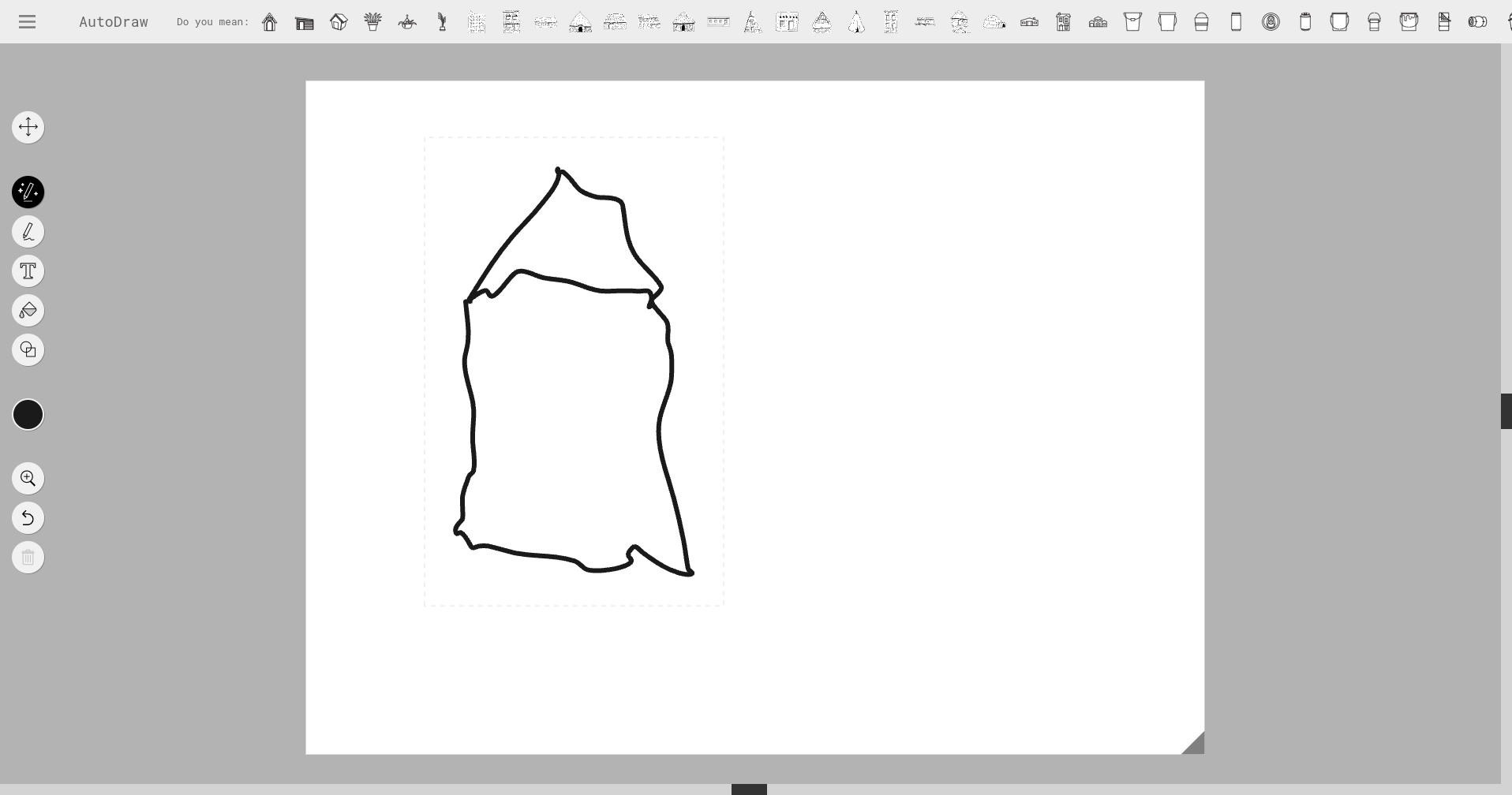
Get your mind out of the gutter. I was going for a house.
And guess who knew that I was going for a house? Google AutoDraw!
Check out the bar at the very top:

Immediately after I add my squiggly lines, Google offers up a bunch of icons based on what it thinks I’m drawing. Clicking on any of those immediately converts my shitty sketch into something actually recognizable:
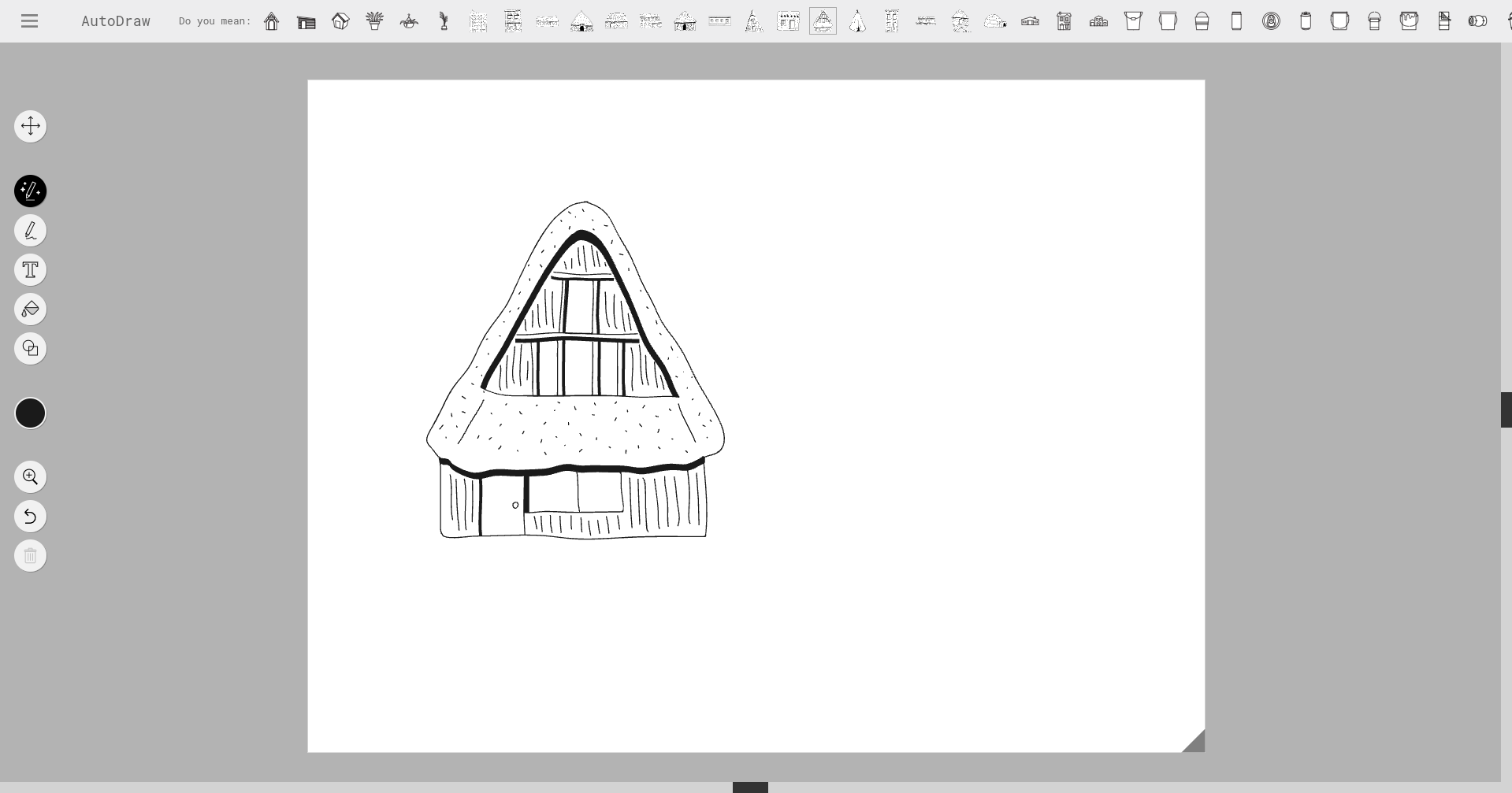
For every sketch, AutoDraw offers up dozens of standard icons, so you can pick one that’s closest to the image you have in mind.
That—combined with the ability to add rudimentary shapes and pick colors—lets you quickly design your overall composition.
This is excellent for throwing together a competent starting image to feed into an AI art generator like DreamStudio, DreamLike, and so on.
You’ll get better results with fewer tweaks out of AI by giving it something that already looks decent to begin with.
AutoDraw-to-AI art examples
Let’s look at a few real-world cases.
I was able to quickly generate some cool AI pictures via the dreamlike.art site by first using AutoDraw to create a starting image.
If you want to know more about this process, check out my post about working with initial images.
Example 1: Fox in the Alps
I turned my above sketch of the house into a more elaborate initial image. Then I asked the AI for a painting of a fox running by a forest cottage in the Alps.
Here’s my original sketch in AutoDraw:

Here’s the AI-generated painting after a bit of prompting:
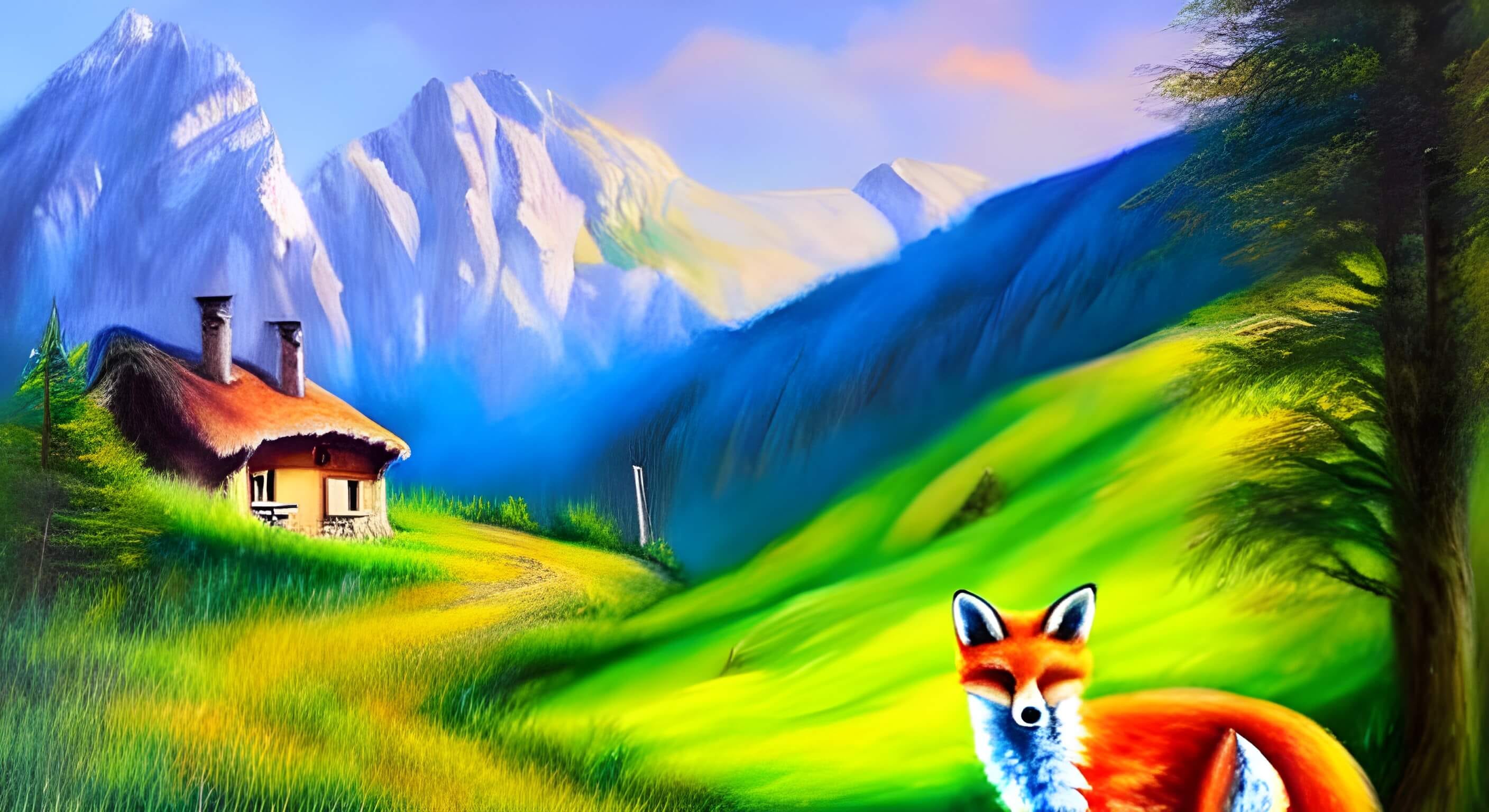
I relaxed the strictness for the starting image and allowed the AI to tweak the composition, which is why e.g. the fox ended up on the right side.
I think the AI did an arguably better job of it.
Example 2: Sci-fi best friends
For the next shot, I wanted a dreamlike painting of a man and his dog in a futuristic dystopian city.
Here’s how it started:

Here’s what the algorithm did with it after several rounds:
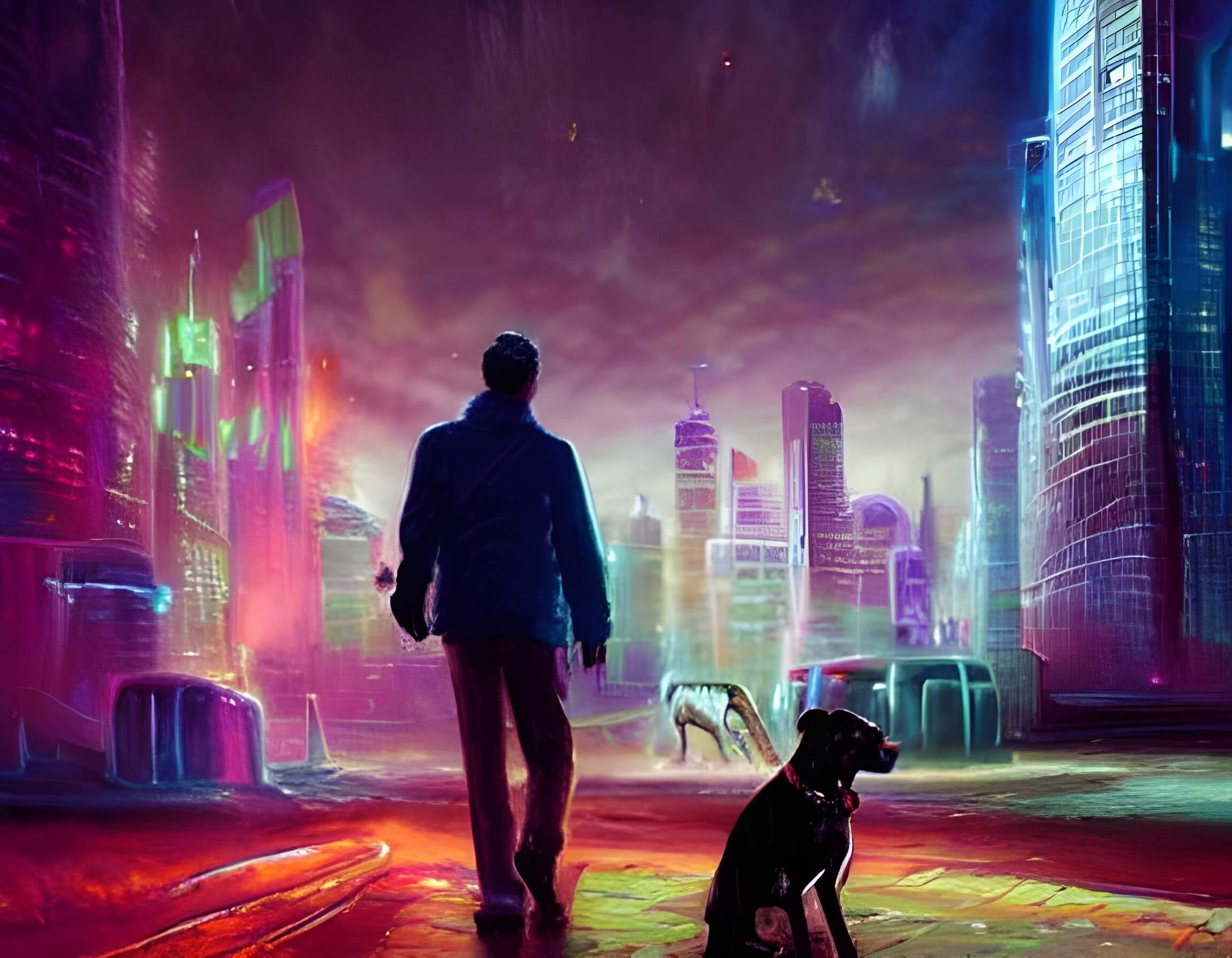
I sure did an admirable job, but this round goes to AI. Again.
Example 3: Yellow school bus
Finally, I was curious to see how close AI could get to a photorealistic image based on a simple 2D sketch.
So I gave the algorithm this:

And eventually got this back:
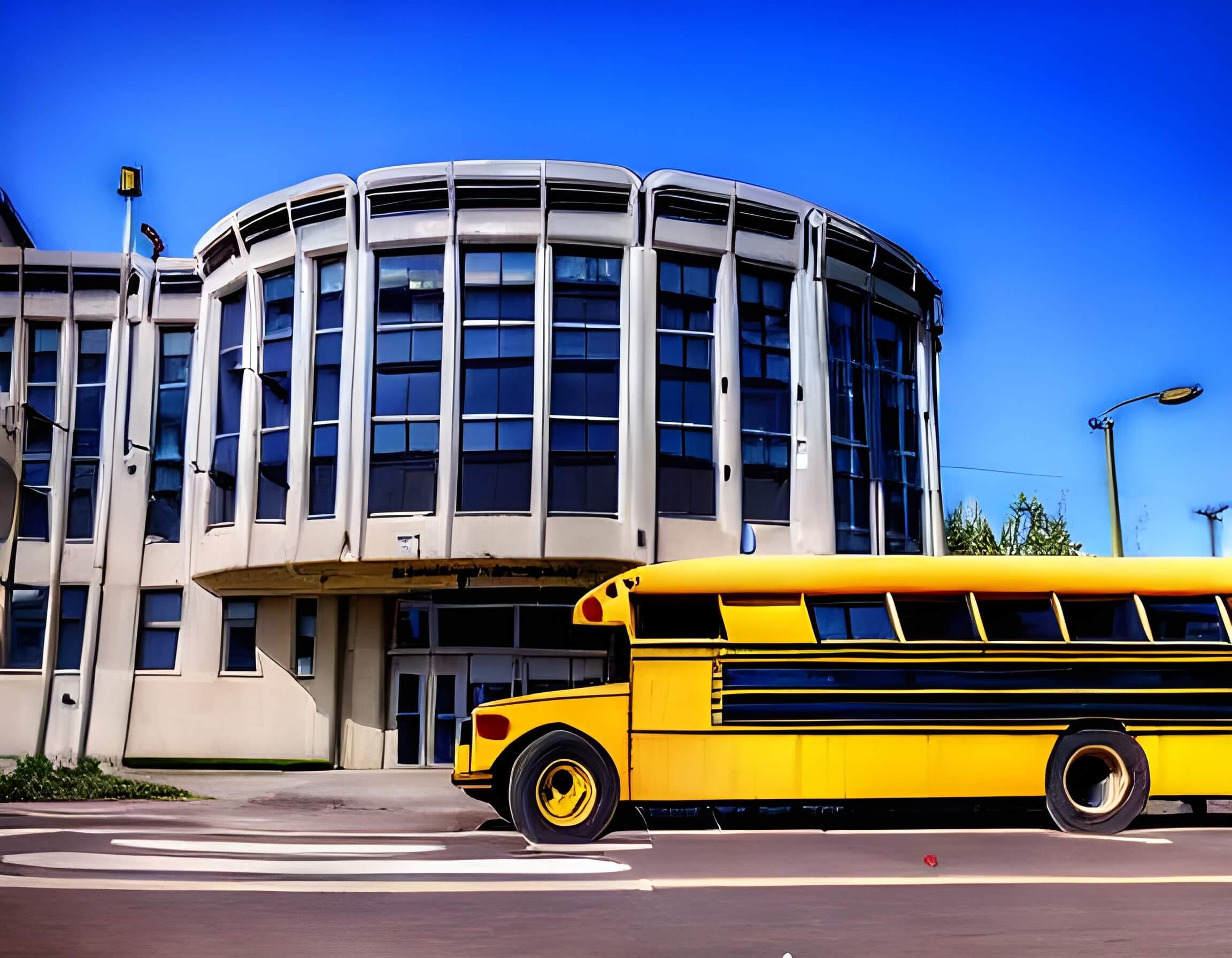
Granted, AI struggles a bit when reflecting real-life details. But again, it’s hard to argue that the AI image is way closer to reality than my AutoDraw doodle.
And that’s the power of Google AutoDraw combined with text-to-image software: Two different types of AI tools working together to create new pictures.
What a world we live in!
Over to you…
Do you work with starting images when trying to create AI art?
If you have a smarter, easier, or quicker way to sketch your initial images for AI to work with, I’d love to hear about it. Send me an email or leave a comment!