

TL;DR
Handwritten notes often end up unused, but you can turn them into a helpful mind map with a photo and a prompt.
The friction
Here’s a true story: Back in high school, I took a lot of notes.
Like, a shit-tonne of notes. (Oops! Excuse my language. I meant “shit-ton.”)
But when it was time to prep for my final exams, I flipped through my notebooks full of scribbles…and just ended up studying from textbooks instead.
It’s not that my notes sucked. It’s that pages of handwritten words aren’t exactly great for quickly grasping core concepts.
(Yes, the process of writing things down is valuable in its own right, but still.)
I’m sure I’m not alone in this.
We jot down handwritten lists, journal by hand, sketch stuff on the whiteboard during meetings, and leave all kinds of other written trails behind.
Then they often just…sit there.
The fix
Luckily, there’s a simple way to turn all that text into a “big picture” overview.
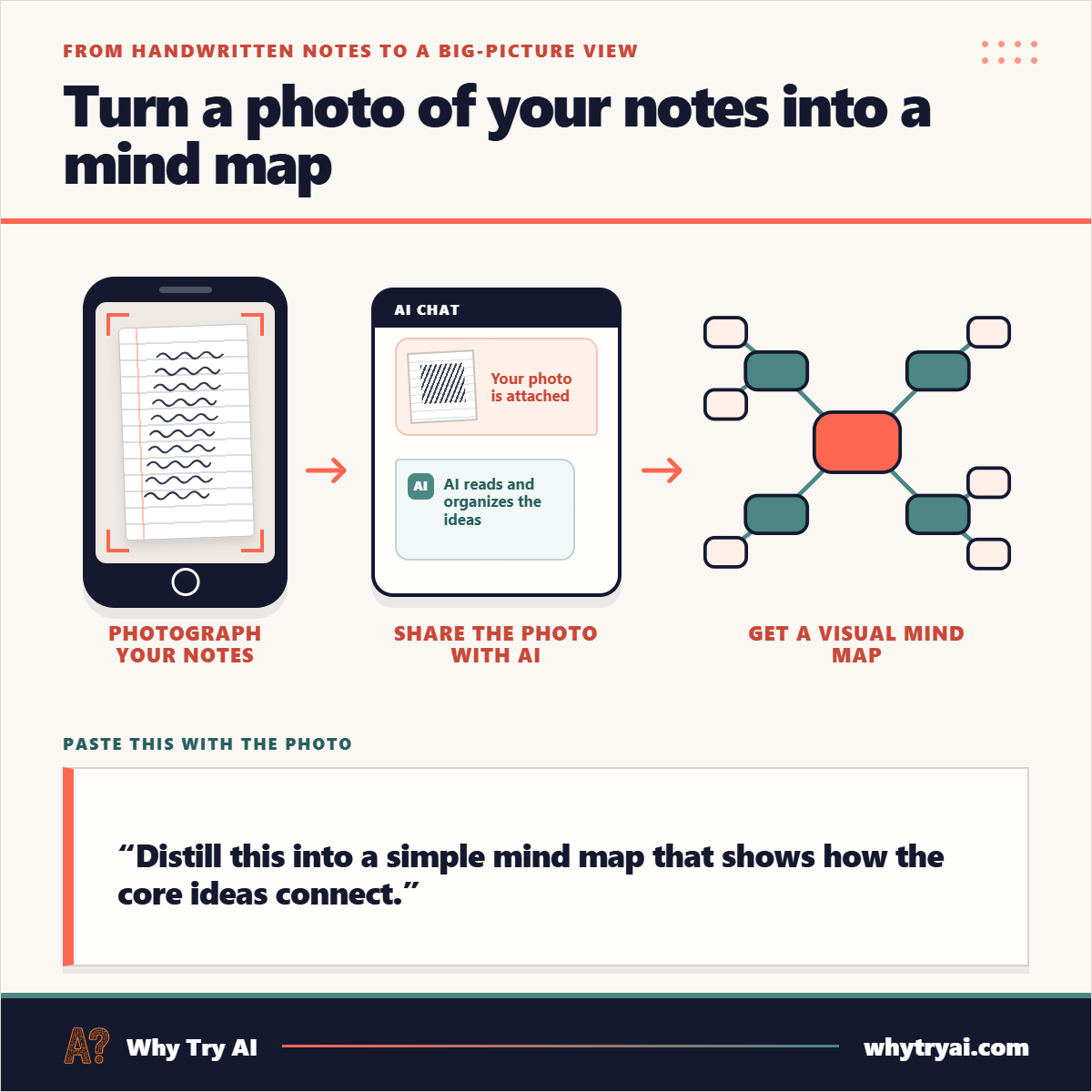
Snap a photo (or a few) of your handwritten notes, feed it to a chatbot, and paste this:
“Distill this into a simple mind map that shows how the core ideas connect.”
This approach works with any multimodal model that has vision capabilities. (Nowadays, that’s most of them.)
I don’t have my high school notes handy (I’m old), but here are ChatGPT, Claude, and Gemini results for this Wikimedia handwritten page. (Click to view full image.)


ChatGPT and Gemini used image generation while Claude coded an SVG version, but they all managed to create order out of chaos.
“Gemini Notebook” app has a camera button built in. Use it.
Gemini Notebook (aka “NotebookLM”) is uniquely well-suited for this flow. Especially its mobile app version, which has a dedicated “camera” button that lets you snap a photo and turn it into a source with one click.
Pro tip: Don’t pick the “Mind map” output. Gemini Notebook’s mind maps are great for exploring your sources but not as useful for condensing insights into a single image. Instead, pick “Infographic” and run it with the above prompt.
Do this now
Snap a photo of a note you want to organize (or dig one out of your camera roll, you note-photographing maniac)
Drop it into your chatbot of choice with the prompt above
See if the mind map helps you make better sense of things
Tips for best results:
Take the photo in good lighting conditions
Use the best possible resolution (the more detail, the better AI can “see” it)
Use the highest available “thinking” or “reasoning” effort
If AI gives you a text output, add the word “visual” to your request
Go try it and let me know how it works for you!
Know someone who’d like this? Share it!
Dig deeper [paid]
Notes-to-mind-maps are just one use case.
You can try this kind of AI voodoo wizardry with all kinds of pairings.