

TL;DR
If you keep asking AI to do the same mechanical task, you should instead turn it into a standalone tool that needs no chatbot or agent at all.
The friction
I’d bet you one million (Monopoly) dollars that there are tasks you keep throwing at AI that are better off being deterministic tools.
I’m talking about things like formatting texts and visuals, checking outputs against fixed rules, manipulating files, and a whole lot more. (Think resizing images or styling a draft according to a set guide.)
“So what?” you might ask, “I have tokens to burn, so I’m perfectly happy to get AI to do my bidding, just like the little flying monkey minion with laser eyes that I’m cross-breeding in my secret lair…but I’m afraid I’ve said too much.”
You’re not wrong, but also, you kind of are.
There are two problems with going to AI for these kinds of tasks.
First, AI outputs are by definition a roll of the dice. That’s fine if you’re brainstorming ideas and want creative inputs, but kinda sucks if you want things done the same way every time.
Second, having to kick off a chat, describe your task, and listen to AI ramble on before giving you the thing you need is unnecessary friction. Chat is generally not the best interface for well-scoped, predictable tasks.
Also, if AI struggles, it’ll turn to scripts and third-party tools on your behalf anyway, so why not cut out the middlebot?
The fix
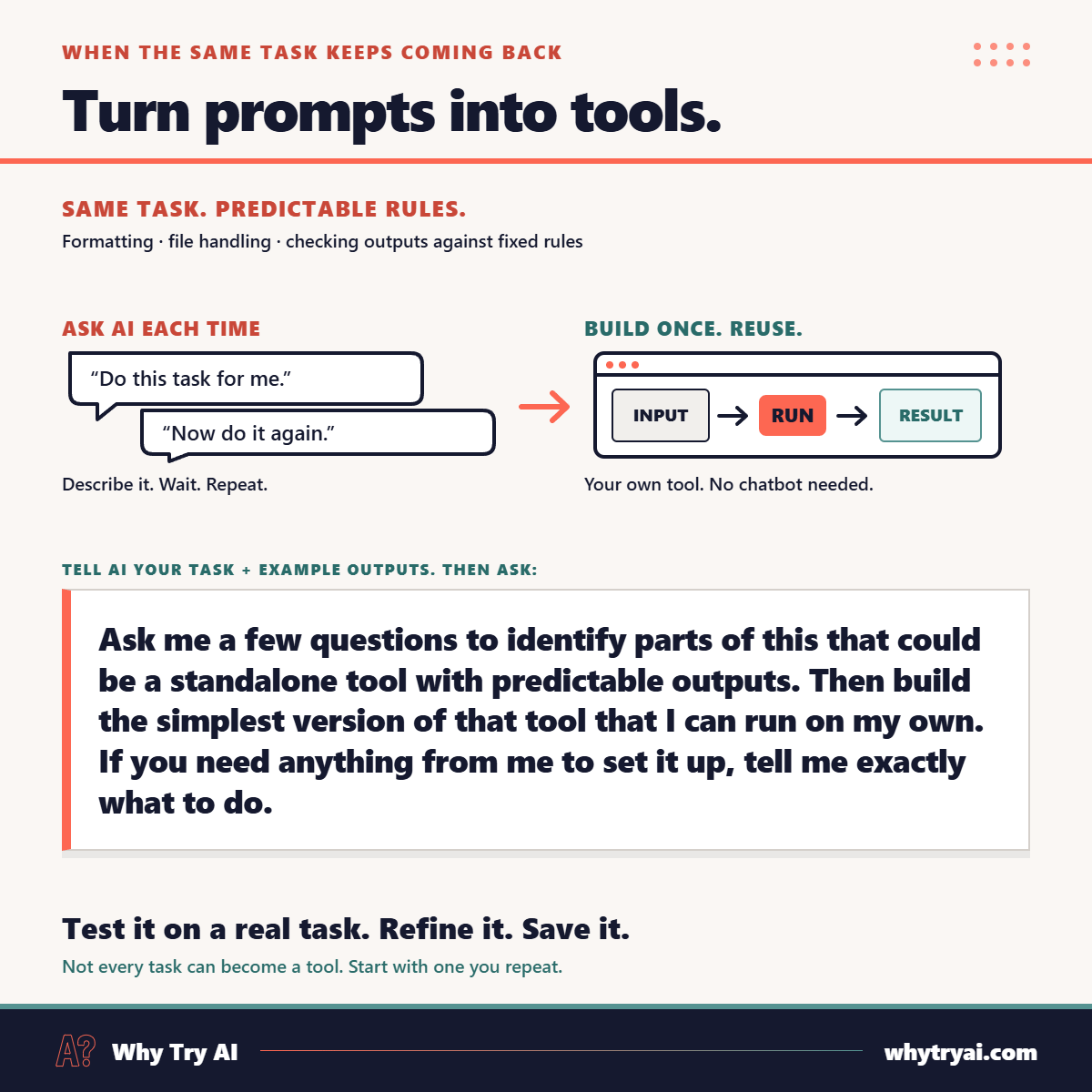
Instead of asking AI to run the show, ask it for something you can reuse on your own.
Try this in an AI chatbot or agent of your choice:
I want to [your task in detail + example outputs, if any].
Ask me a few questions to identify parts of this that could be a standalone tool with predictable outputs. Then build the simplest version of that tool that I can run on my own. If you need anything from me to set it up, tell me exactly what to do.
Sure, not every task has parts that can become tools, but it’s always worth a shot.
The demo
I make featured images for my Substack posts with Codex.
Codex knows the required dimensions and that the image should also work when cropped to a 3:2 aspect ratio for the “list of posts” view. It’s pretty good at making images that fit, but I usually ask it to run a sanity check when it’s done.
Instead of asking for those checks, I can ask ChatGPT to build me a crop check tool:
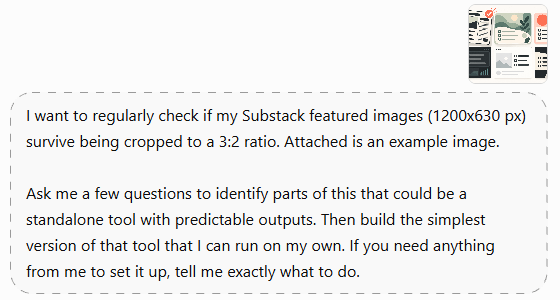
ChatGPT now asks me how the tool should work:
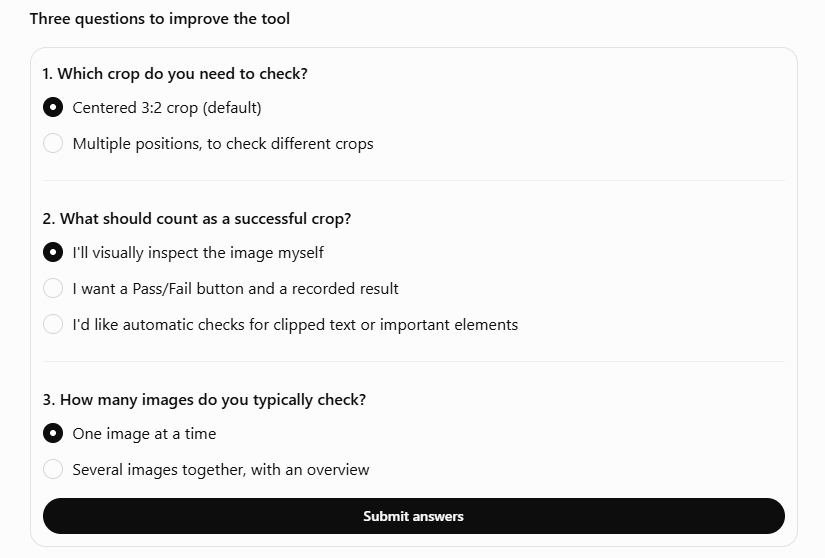
After I submit my answers, ChatGPT makes the tool:
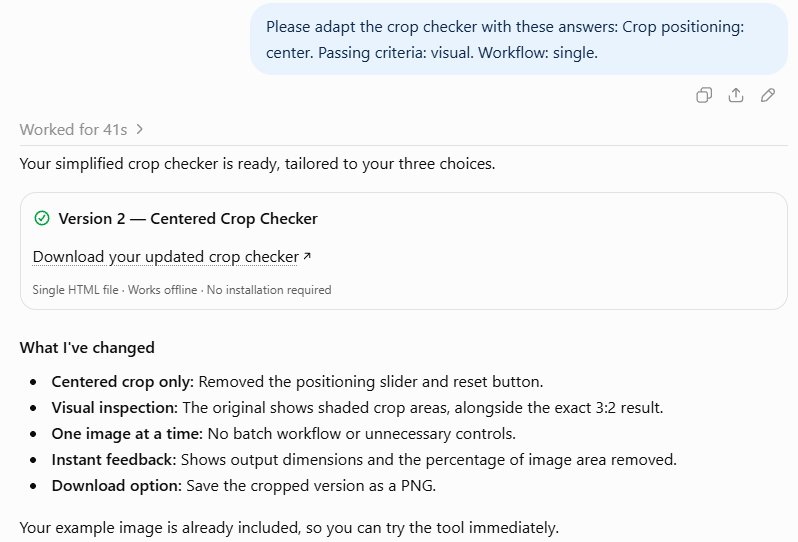
I now have a simple tool that lets me test if an image that meets Substack’s post preview dimensions (1200 x 630) also works when cropped to a 3:2 aspect ratio:
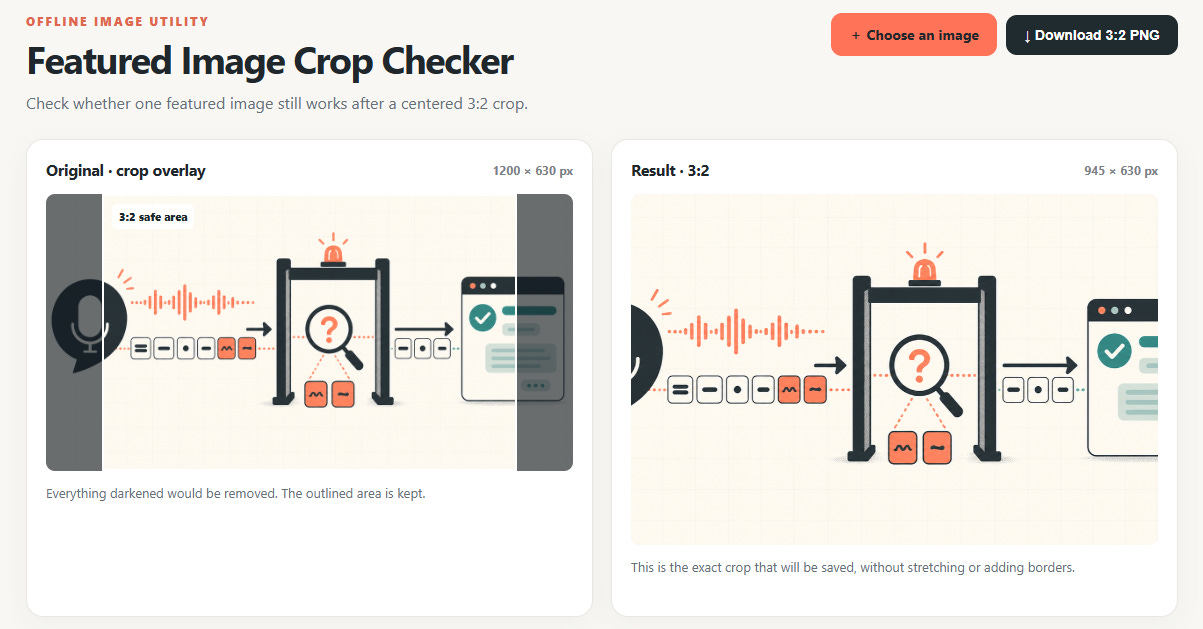
I no longer have to share images with Codex and ask it to burn tokens on crop checks.
Do this now
Pick a task you do often enough that it’s worth building a tool for. (If you use an agent that can access your context or a chatbot with memory, ask it to find one.)
Run it through “the fix” above.
Test the resulting tool on your real-world task and iterate as necessary.
Save the tool so you can start using it instead of turning to AI.
Know someone who could use this? Share it!
Dig deeper
The prompt above is a great way to get started, but it still leaves much of the legwork to you: figuring out which tasks to build a tool for, explaining what you need, etc.
You can take things a step further.