

Happy Sunday, friends!
Welcome back to the weekly look at generative AI that covers the following:
Sunday Rundown (free): this week’s AI news + a fun AI fail.
Sunday Bonus (paid): an exclusive segment for my paid subscribers.
In case you missed it, here’s this week’s Thursday deep dive:

If you’re consistently missing out on my emails, remember to check your “Promotions” tab and mark whytryai@substack.com as a “Safe Sender.”Let’s get to it.
🗞️ AI news
Here are this week’s AI developments.
👩💻 AI releases
Adobe news:
Firefly Image Editor now combines generative AI features like Generative Fill, Remove, Expand, Upscale, and Background Removal in a unified workspace.
Photoshop added a conversational AI Assistant that lets you describe edits in plain language or draw directly on the image to make changes.
Anthropic news:
Claude can now build interactive visualizations directly in the chat to help you better understand different concepts.
Claude models now have a 1-million-token context window to handle entire codebases or countless documents. (Max or Enterprise accounts only.)
Canva launched Magic Layers that split AI-generated images into separate, editable layers so you can customize your design more granularly.
Genspark launched AI Workspace 3.0 with autonomous AI employees that can join meetings, manage emails, and run workflows on your behalf.
Google news:
Google Maps added Ask Maps and Immersive Navigation, so you can ask questions about your route and see AI overlays while navigating.
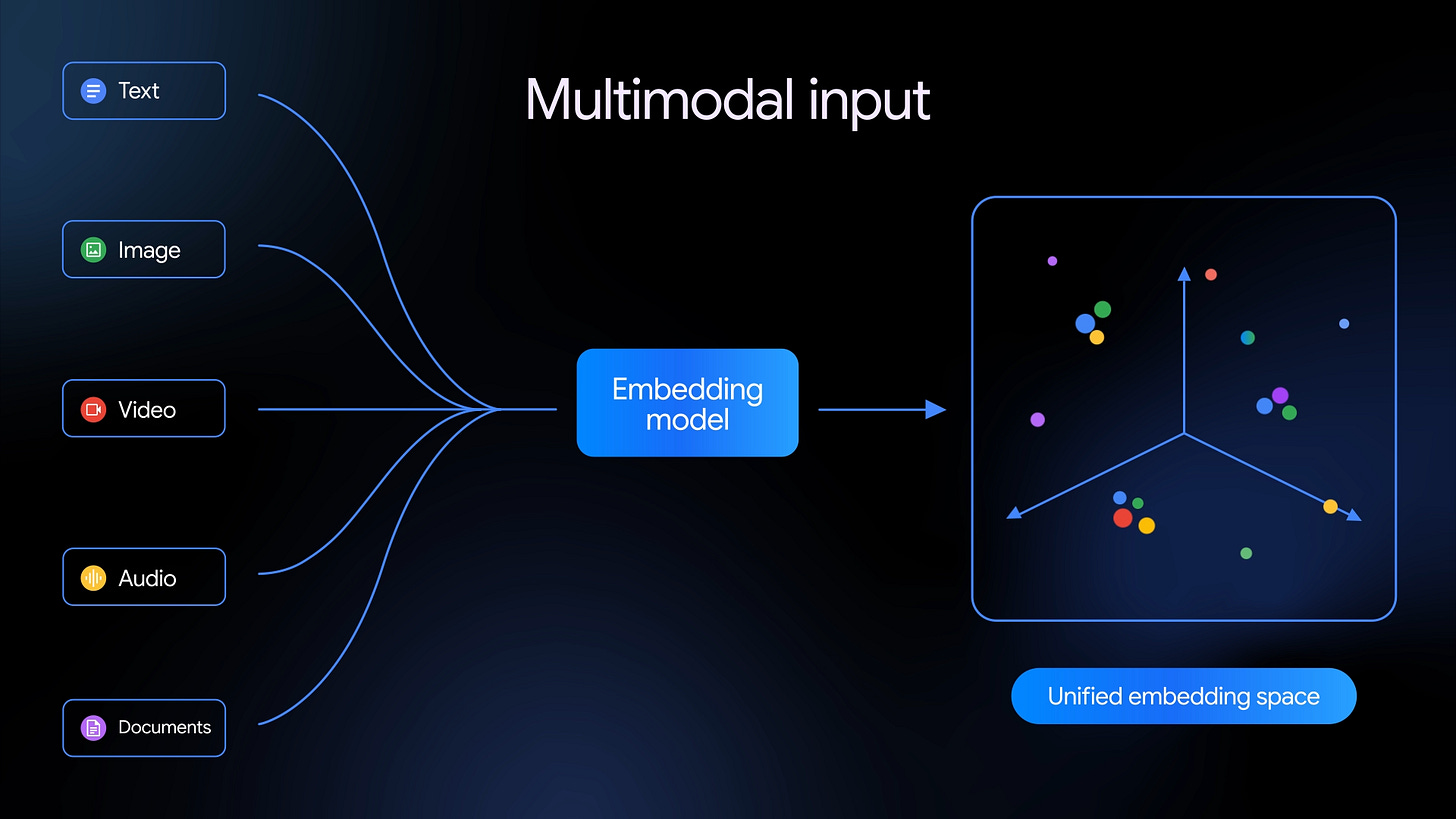
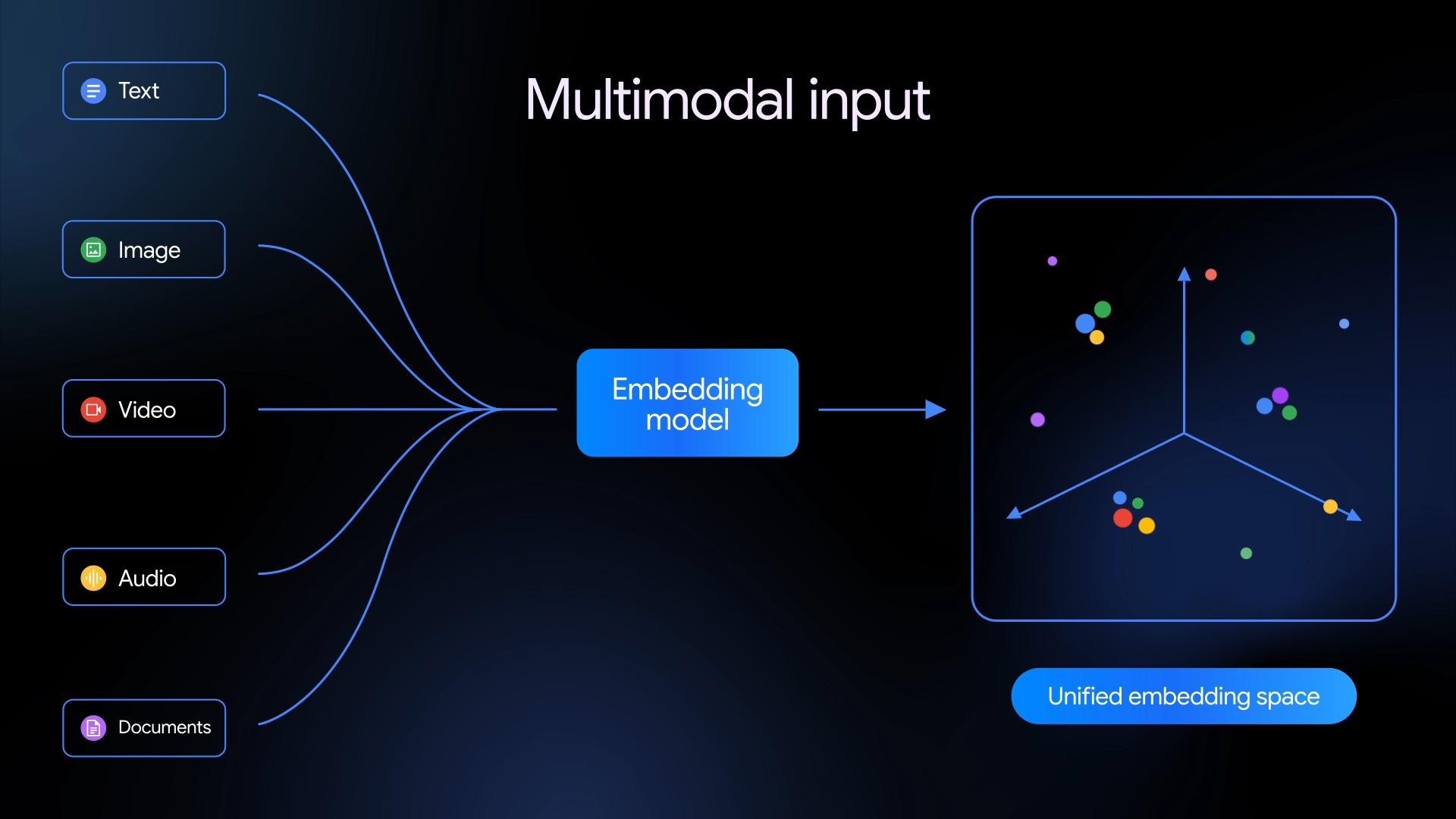
Gemini Embedding 2 is a natively multimodal embedding model that maps text, images, video, audio, and documents into a single searchable space.
Google Workspace got new Gemini-powered features to help you create documents and analyze data more efficiently.
LTX Studio released LTX-2.3 that creates 4K videos with sharper detail, crisper sound, and better prompt adherence than its predecessor.
Meta news:
AI anti-scam alerts across Facebook, Messenger, and WhatsApp can detect and flag suspicious messages and accounts.
Facebook Marketplace got new Meta AI seller tools that turn photos into full listings, auto-reply to buyers, and create seller profile summaries.
NVIDIA news:
ComfyUI App View and RTX AI upgrades make creating and upscaling AI-generated videos on a regular PC faster and easier.
Nemotron 3 Super is an open 120-billion-parameter model built for agentic AI workflows with top-tier performance on multistep tasks.
OpenAI news:
ChatGPT now has interactive visual explanations for math and science that break down complex concepts in a step-by-step, hands-on way.
Sora added “References,” letting you save consistent characters, settings, props, costumes, or camera styles to reuse across videos.
Perplexity launched Computer for Enterprise, linking 20 AI models to 400+ apps for automated agent workflows.
🔬 AI research
Anthropic announced Claude Code Review that uses a multi-agent setup to automatically check pull requests for issues before merging.
Luma AI teased UNI-1, a reasoning image model that thinks through the request before generating visual outputs.
Microsoft news:
Copilot Cowork will let you hand off multi-step tasks to AI agents to execute across Microsoft 365.
Copilot Health will pull in data from wearables, health records, and lab results to help you make sense of it and prep for doctor visits.
OpenAI is reportedly planning to bring its Sora video model into ChatGPT, so you can create videos without leaving the chat interface.
Perplexity announced Personal Computer, a dedicated remote Mac mini that connects your local apps to Perplexity’s autonomous agents. (Join the waitlist.)
📖 AI resources
“Autoresearch” [TOOL]—Andrej Karpathy’s open-source tool that automatically runs multiple experiments to find the best training setup for an AI model.
🔀 AI random
Grammarly disabled its Expert Review tool after it was found to attribute AI writing feedback to real writers’ names without their consent.
🤦♂️ AI fail of the week
Yeah, so maybe don’t take geography lessons from Grok Imagine, kids.
💰 Sunday Bonus #93: Three Claude Code skills that auto-customize themselves to your project
I already shared two “Claude Code” Sunday Bonuses before:
Today, I’m combining them into a single page called “Claude Code Essentials” and throwing a brand-new bonus into the mix that revolves around useful skills:

Skills are reusable instructions that Claude Code follows every time you run them.
I’ve built many skills for my own needs, but three stood out as being useful to anyone.
So I bundled them into a Skills Starter Pack: self-installing skills that customize themselves to your setup in minutes:
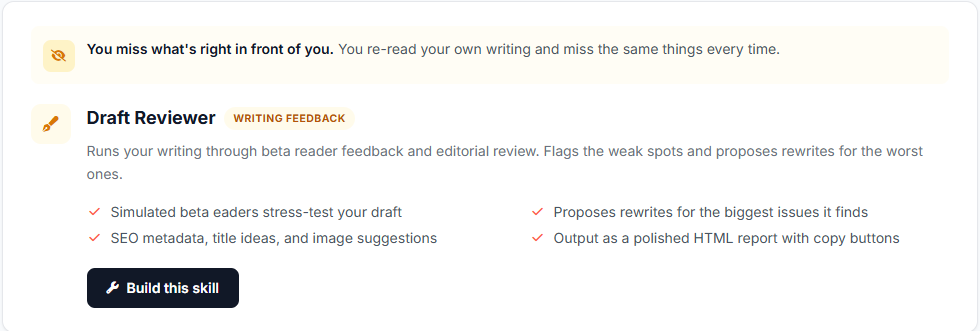
Draft Reviewer: Run this whenever you have a piece of writing to review.

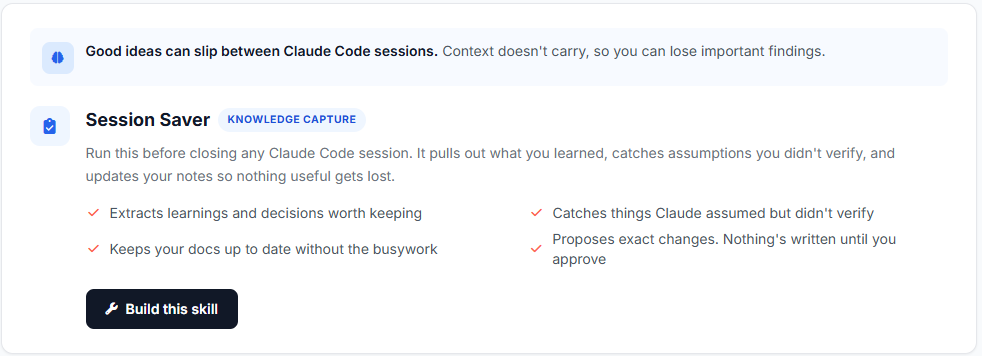
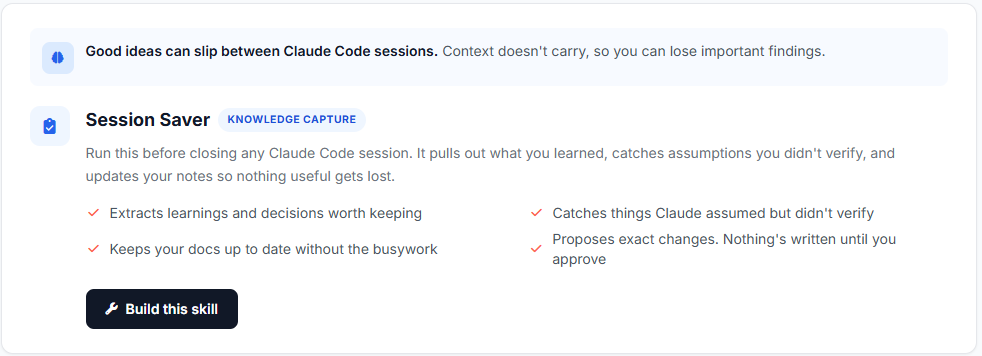
Session Saver: Run this at the end of each productive Claude Code session.
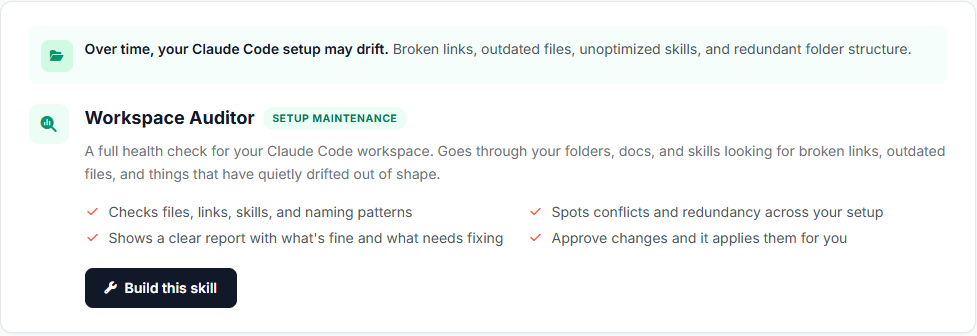
Workspace Auditor: Run this monthly to keep your setup in good shape.

The part I’m happiest with is that these aren’t cookie-cutter downloads.
Each skill scans your project first, then walks you through a short interview to build a version of itself that fits how you actually work.
From your side, it’s one copy-paste trigger prompt and a few quick answers.
Claude Code crafts the entire skill on its own, right in your working folder.
Enjoy: