Paid subscriber bonus: Grab the Claude Code Essentials pack with self-building skills, customizable workflows, and copy-paste starter prompts.
I may have written about Claude Code once or twice before.
Perhaps even thrice.
Okay, fine, five times, but who’s counting? Oh, am I counting? Get out of here!
Check out my previous Claude Code articles to learn how to:
Identify what Claude Code can help you with (and know how to ask for it)
Use Claude Code with Obsidian to set up your personal knowledge base
Test & improve Claude Code skills with Skill Creator and my “Eval Maker”
Make Claude Code work with other agents in a shared workspace
Use helpful Claude Desktop features in your Claude Code workflows
The point is: Ever since I first tried Claude Code back in January, it’s been my daily go-to driver for most tasks.
My entire workspace was built around Claude Code. I had multiple Claude skills running, used session-start hooks to make Claude auto-check for new tasks, and hooked Claude Code up to Obsidian as its primary knowledge base.
In short, I was all-in on Claude Code.
But two recent developments made me re-evaluate things:
Anthropic had a patchy stretch with a lot of downtime, launched Opus 4.7 to overwhelmingly negative reactions, and introduced new tokenization magic that meant I started hitting usage limits way faster than before.
OpenAI came out swinging with the launch of GPT-5.5, a streamlined Codex app for Windows, and a best-in-class GPT Image 2 model.
Suddenly, Codex was once again an attractive local agent option.
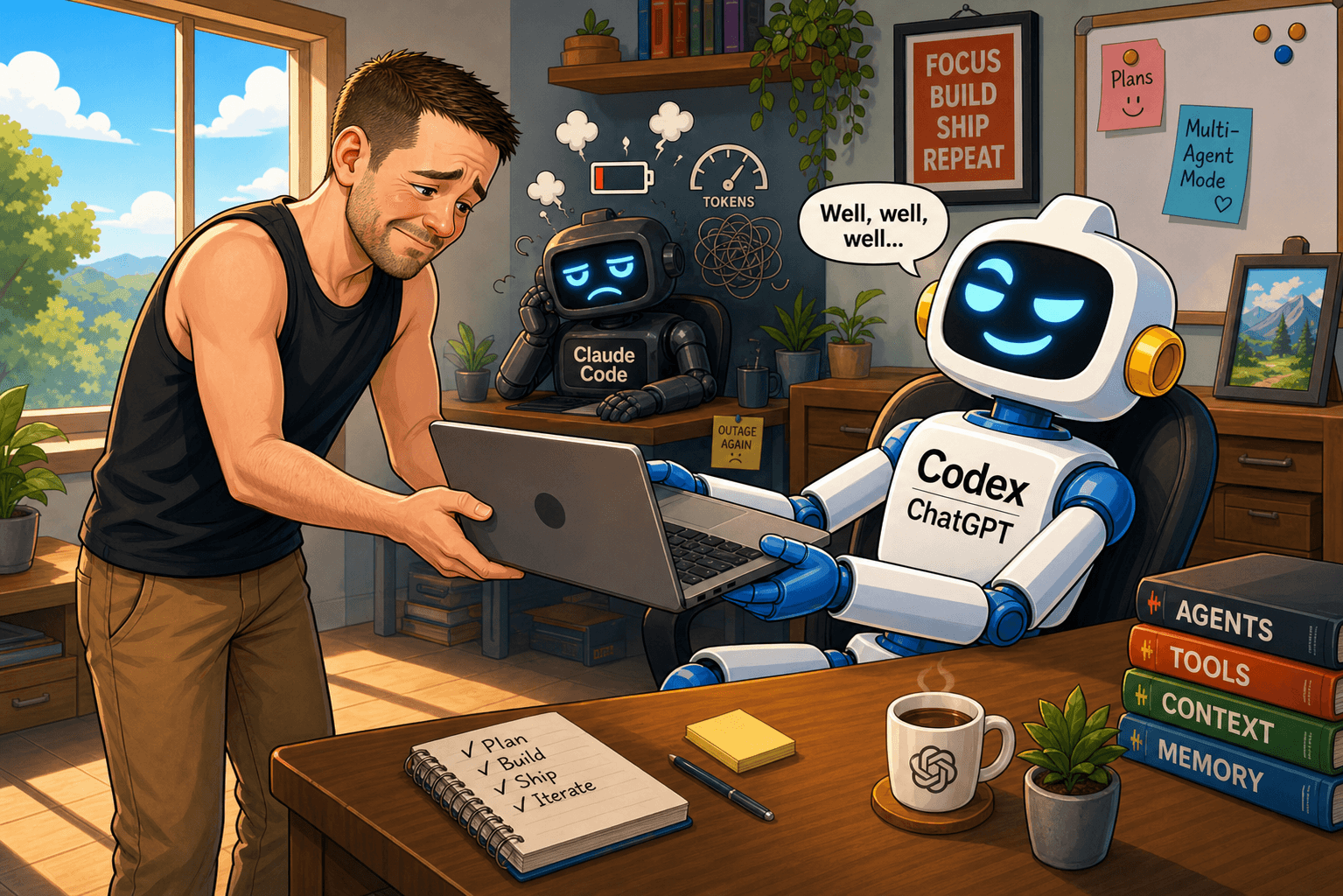
I knew I wanted to give Codex a shot, but I also didn’t want to abandon my now-familiar Claude Code routine.
So I wondered: “Can I make Claude Code and Codex work on the same workspace with little friction and clean task handovers?”
It turns out, I could.
Why use multiple AI agents?
Remember how I once said I wanted to create context to use with any future agent?
“Given this, I think it makes perfect sense to start building a standalone, organized context repository, untethered from any specific agent.
That way, whenever a new awesome agent comes along—OpenClaw 2.0, Claude Code Extra, Gemini Remote, whatever—I’ll have something I can point at and say, ‘Here, look, this is me and everything I’m working with. Let’s go!’”
Well, for some odd reason, I always pictured this as an all-or-nothing decision.
In my mind, the day I decided to use a new agent, I’d just switch over completely.
But….like….why?!
Why not simply have two (or more) agents working in parallel?
Why not indeed.
After running my two-agent setup for a while, I’m happy to report that it comes with a bunch of real benefits:
Higher usage limits: My $20/month Claude Pro plan was no longer enough. If I were to stick to pure Claude, I’d have to either upgrade to the $100 Max plan or find a hacky and friction-y way to use two separate Claude Pro accounts. By plugging in a $20 ChatGPT Plus plan, I now spend $40 on two agents and get plenty of extra usage. If Claude hits a limit, I switch to Codex and keep going.
Three heads are better than two: I like having two sparring partners. Between my own judgment and separate agents with different training data, reasoning patterns, and blind spots, every decision gets more eyes on it. Each model usually notices something the other one had missed, and the final result is better for it.
Complementary skillsets: As I’ll explain in a bit, there are certain areas where Claude shines and others where Codex is the better choice. By leaning on their individual capabilities and strengths, I get a more well-rounded setup.
Future-proof workspace: The beauty of my current setup is that it’s not exclusive to Claude and Codex. I have a truly agent-agnostic system that lets me use any number of them. Also, there’s no lock-in: If a new agentic model comes out, I can plug it right in and pick up where I left off.
How I use Claude Code and Codex in tandem
While the setup is designed to work with any agent(s), my experience comes from using specifically Claude Code and Codex.
Here are my observations about the two:
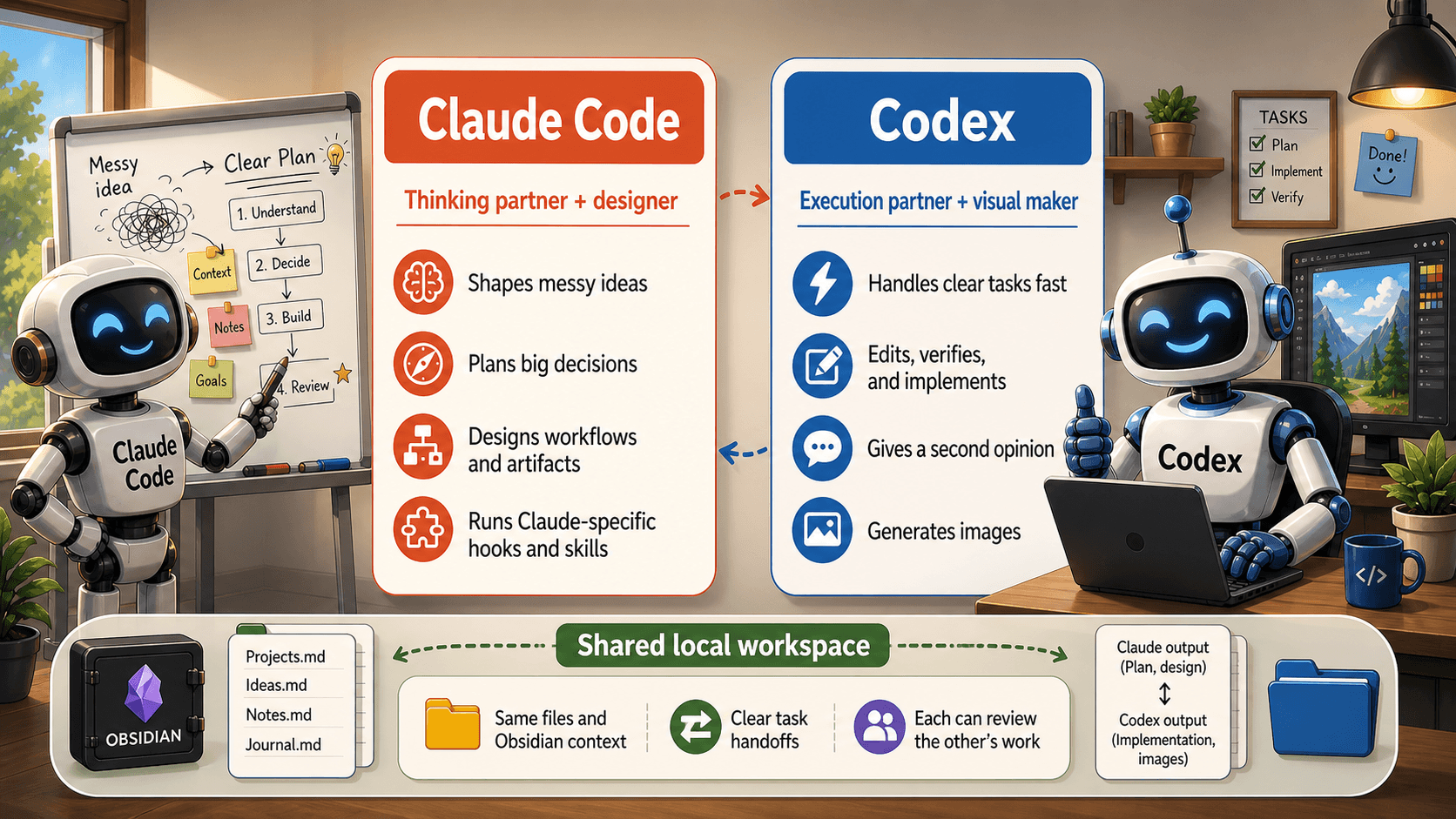
Generally speaking, I still turn to Claude Code when I need to kick off a bigger project. It just feels better for high-level conceptual discussions and planning. I also find that Claude Code designs better HTML layouts and pages out of the box.
Codex has more of a “workhorse” vibe: reliable and fast. It also has native image-generation capabilities thanks to GPT Image 2. But I noticed that Codex is sometimes too eager to just run with the task instead of pausing to ask me questions or digging a bit deeper.
Having said that, the line isn’t quite as black-and-white as I make it sound.
In many cases, I’ll ask Codex for a second opinion and go back and forth between the two agents several times to flesh out a concept or plan.
Two-agent workflow: Hands-on example
Let’s look at a not-so-hypothetical scenario of me redesigning the current Sunday Bonus Directory to incorporate all of my paid subscriber perks. (Paid subscribers: Stay tuned for the outcome of this process soon.)
I could boot up Claude Code and kick the project off:
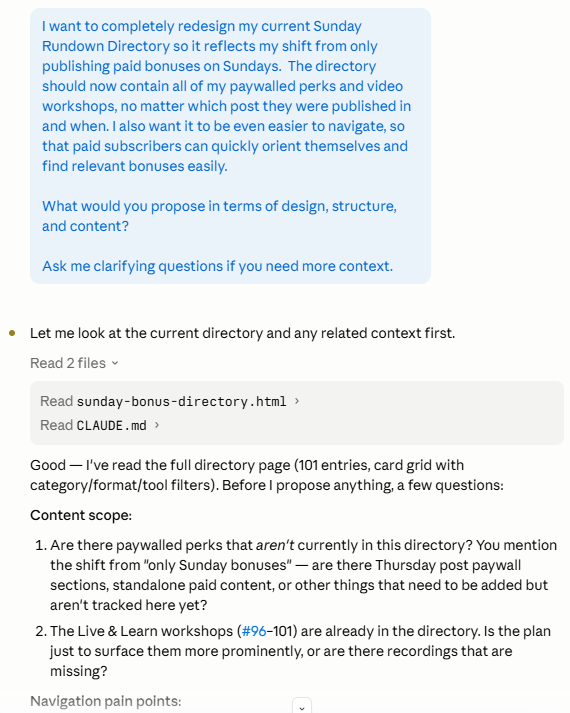
Note how little in-chat background Claude needs because it already has access to my entire workspace, the Sunday Bonus Directory itself, and additional context files.
I then answer the six preliminary questions, and Claude Code comes up with a plan.
But I want Codex to weigh in, so I ask Claude for a handoff:
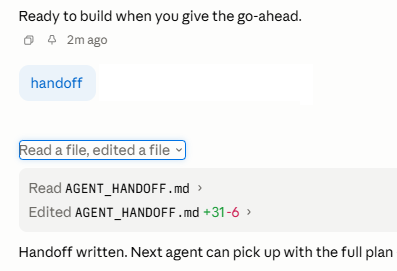
Yup, just one word.
Then I open Codex and ask for its thoughts:
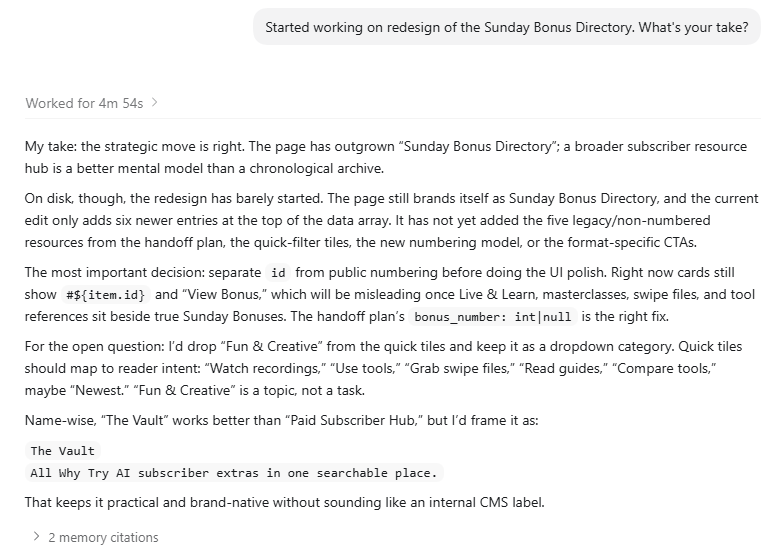
Again, Codex doesn’t ask me for extra context because Claude’s handoff document and my workspace give it everything it needs.
I then request Codex to provide its own plan:
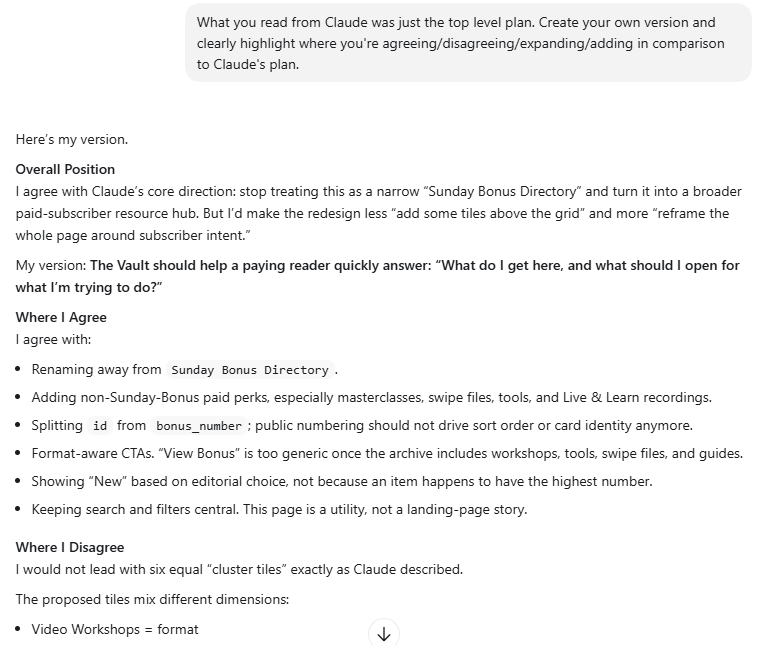
If I want to keep going back and forth, I can ask Codex to hand off…
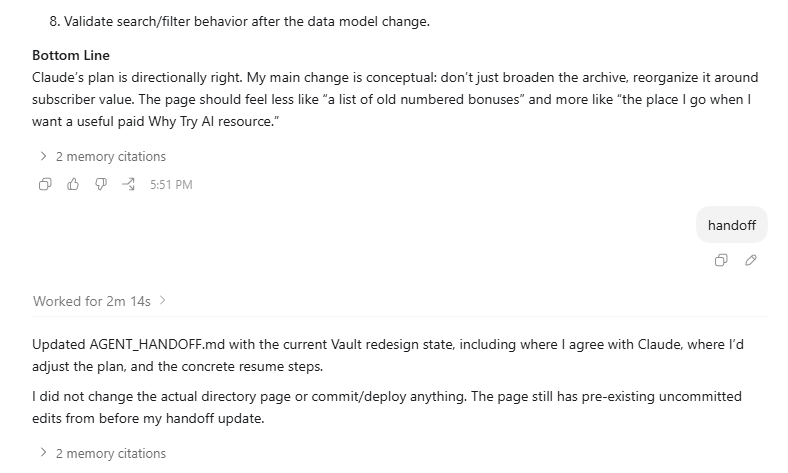
…and then get Claude to review in my ongoing chat:
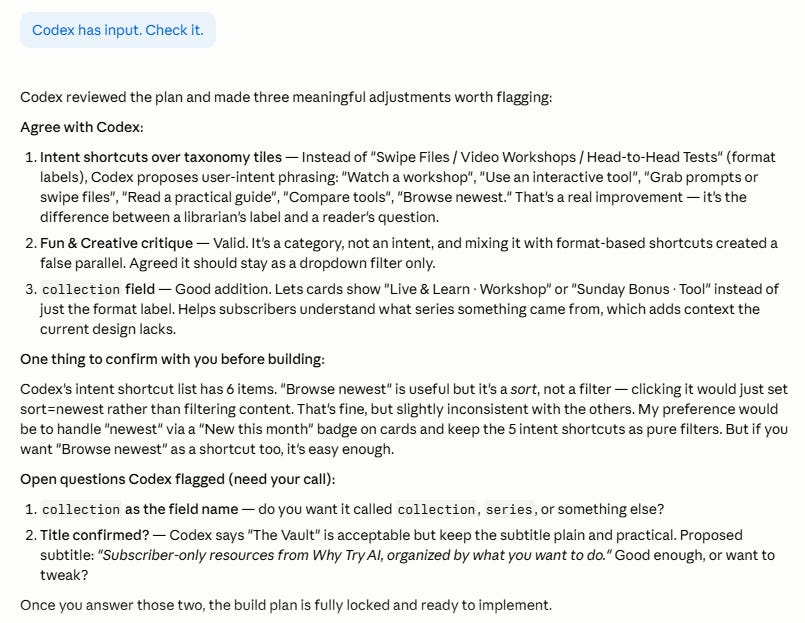
Normally, I’d be way more involved and opinionated throughout this process, and I wouldn’t go back and forth so much at this “early discussion” phase. I’d likely first switch to Codex when Claude and I had at least designed the initial architecture.
But I wanted to demonstrate just how frictionless things can be once the multi-agent system is in place.
Now let me show you how you can set up your own version of this.