

Last updated: February 18, 2026
Which free image-to-video AI model is the best? I compare video tools from Hailuo, Higgsfield, Kling, Grok, Sora, Runway, Veo, Vidu, Wan, and many others.
From my sponsor:

Deevid AI: Turn Any Image into a Video In Seconds!
With Deevid AI’s Image-to-Video Generator, bring your pictures to life with just one click. No editing, no hassle—just instant magic!
Note: To get the obvious out of the way: Seedance 2.0 is currently not easily accessible for free, so as promising as this newest video model is, it can’t compete in this test of free options.
Folks…this was inevitable.1
In October 2023, I looked at text-to-video sites.

A few weeks later, I tested text-to-image models.

Now, we’ve come full circle to the logical conclusion of this visual AI trilogy: image-to-video tools.
New AI video models and platforms keep popping up all the time. Most offer image-to-video functionality and limited free usage.
So today, I’m putting 20 of them to the test using the same starting images.
Let’s roll!
🎬 The contestants
Here are the 20 free image-to-video models I’ll be testing.
(Click to jump to the section.)
Firefly Video (Adobe) - no change
Genmo: Mochi 1 (Genmo) - no change
Hailuo 2.3 (Hailuo AI / MiniMax) - updated model
Haiper AI (Haiper AI) - no change (no longer accessible)
Higgsfield DoP I2V-01 (Higgsfield AI) - no change
HunyuanVideo-1.5 (Tencent) - updated model
Grok Imagine 1.0 (xAI) - new entrant
Kling 2.6 (Kling AI) - updated model
LTXV 13B (Lightricks) - no change
Luma Ray3.14 (Luma Labs) - updated model
Meta AI (Meta) - new entrant
Morph (Morph Studio) - no change
Pika 2.5 (Pika Labs) - updated model
PixVerse V5.6 (PixVerse) - updated model
Runway Gen-4 Turbo (Runway AI) - no change
Sora 2 (OpenAI) - new entrant
Stable Video Diffusion (Stability AI) - no change
Veo 3.1 (Google) - updated model
Vidu Q3 (Vidu AI) - updated model
Wan 2.6 (Alibaba) - updated model
Since my last update in May 2025, we’ve seen 3 brand-new entrants and 9 model updates. (8 entries are unchanged.)
Time to see how they compare!
To skip straight to the overall verdict, click here.
🧪 The test
To make the comparison fair, they’ll all be animating the same two starting images rendered by Midjourney.
First, this steampunk violinist:

This image provides plenty of room to animate motion while focusing on finer details.
The prompt given to each tool is this:
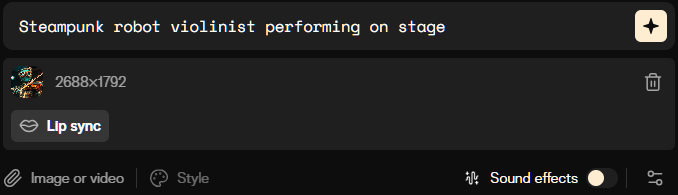
Steampunk robot violinist performing on stage
Our second image is this funky locomotive:

This will tell us how well the tools deal with illustrated images and changing scenery.
The accompanying text prompt is:
Train traveling through a surreal and whimsical landscape
Many platforms and models offer advanced features such as camera controls, motion brush, character reference, and more.
To keep a level playing field, I’ll avoid these additional options and stick to the default settings. This should make the starting point as similar as possible.
📽️ The results
Let’s see what each image-to-video tool came up with.
1. Firefly Video (Adobe)
This entry is virtually unchanged since the last update.

Adobe first teased Firefly Video in October 2024 and made it widely available in February 2025.
Firefly Video is IP-friendly and commercially safe, as it was trained on properly licensed content.
Let’s see how it fares!
Steampunk violinist:
This is very good!
The movements are fluid and realistic, and I don’t notice any major distortions. The hand holding the violin isn’t very active and has a few blurry moments, but a solid result all in all.
Surreal locomotive:
Not bad either!
The train and the smoke are properly animated. Too bad the locomotive does a bit of drifting and morphing in the second half of the clip.
⭐Daniel’s grade: 8 / 10
Adobe Firefly Video at a glance:
Advanced features: Camera controls, style selector, ability to pick resolution and aspect ratio.
Video duration: 5 seconds.
Free plan limitations: Only 5 complementary generations per account.
Where to try: firefly.adobe.com
2. Genmo Mochi 1 (Genmo)
This entry is unchanged since my last update.

I first featured Genmo in October 2023.
Since then, the site has introduced many new features, including camera motion, visual FX presets, control sliders, and more.
In October 2024, Genmo open-sourced Mochi 1, which now powers its text-to-video and image-to-video creations.
Let’s go ahead and upload our images and text prompts, like so:

Time to see the results.
Steampunk violinist:
That’s…something.
It appears that Genmo doesn’t directly use our image as the starting frame. Instead, it uses the picture as vague inspiration to create a trippy and surreal clip.
Let’s see the next one.
Surreal locomotive:
You’d think that this image would be a shoo-in for Genmo’s already trippy output.
But while I love the steam animation, the rest of the video is quite janky.
Pretty cool if you’re after an artistic vibe. Not so cool if you want to add realistic motion to an image.
⭐Daniel’s grade: 4 / 10
Genmo at a glance:
Advanced features: Camera motion control, visual effects presets, motion intensity settings, and looping video creation.
Video duration: 2, 4, or 6 seconds.
Free plan limitations: Watermark and fewer monthly credits (50 vs. 1200).
Where to try: www.genmo.ai
3. Hailuo 2.3 (Hailuo AI / MiniMax)

Chinese startup MiniMax launched its text-to-video model Hailuo AI back in mid-September 2024.
The new Hailuo 2.3 model launched in October 2025, promising improved micro-expressions and physical actions. It can also animate images.
Let’s test our two images using Hailuo AI. How does it fare?
Steampunk violinist:
This is quite nice. The movements are smooth, and I like how the camera pans to reveal more of the outfit, consistent with the starting frame. I could hope for a more expressive face, but hey, he’s a robot, right?
Surreal locomotive:
This is way more slow-mo than I expected, and the steam animation is too static.
Also, Hailuo chose to animate the tiny cloud puffs at the back of the train, and I can’t decide whether it’s a fail or a win.
⭐Daniel’s grade: 7.5 / 10
Hailuo AI / MiniMax at a glance:
Advanced features: “Enhance prompt” toggle, precise camera controls, prompt brainstorming with DeepSeek, and visual presets.
Video duration: 6 seconds.
Free plan limitations: Only 200 trial credits, watermark, lower max resolution, fewer tasks in queue, slower generations.
Where to try: hailuoai.video
4. Haiper AI (Haiper AI)
Note: Haiper AI is still inaccessible, but I’ve kept this old entry here for reference.

I haven’t tried Haiper before, so I have no expectations at this stage.
Let’s throw our images and prompts into the tool:

Here are the outcomes.
Steampunk violinist:
A surprisingly solid start.
Sadly, after two seconds, our violinist kind of spaces out and stares into the void instead of continuing to play.
But I like that Haiper has managed to keep the look and clothing consistent.
Not too bad.
Surreal locomotive:
Okay, so Haiper just isn’t a fan of movement at all.
Our locomotive is content to just sit there and watch the clouds go by while half-spinning some of its wheels.
Bliss.
⭐Daniel’s grade: 5 / 10
Haiper AI at a glance:
Advanced features: Video-to-video, “extend” button, transition between keyframes (separate images), “high-fidelity” vs. “enhanced motion” modes.
Video duration: 2, 4, or 8 seconds.
Free plan limitations: 5 creations per day, 300 one-off credits, fewer concurrent creations, watermark, no commercial use, no private creations.
Where to try: haiper.ai
5. Higgsfield DoP I2V-01 (Higgsfield AI)
This entry is unchanged since my last update.

Higgsfield’s model is a newcomer to AI video, only launching on March 31, 2025.
Higgsfield DoP I2V-01-preview is known for cinematic, professional-level camera controls (and being impossible to memorize and pronounce).
How well does it handle our challenge?
Steampunk violinist:
Great!
Fluid, realistic motion and the spark in the robot’s eyes is a nice touch. Everything looks solid.
My only minor quibble is the over-the-top finger movements of the violin hand.
Surreal locomotive:
The best locomotive thus far. I love the dynamic scenery progression.
If it weren’t for the tree and bushes morphing and fusing at the end, this clip would be flawless.
⭐Daniel’s grade: 8.5 / 10
Higgsfield AI at a glance:
Advanced features: “Enhance prompt,” dozens of video effects, effect mashup, and advanced camera controls.
Video duration: 3 or 5 seconds
Free plan limitations: 25 credits/month, watermark, no commercial use, slower queue, one concurrent job, no access to Lite and Turbo models.
Where to try: higgsfield.ai
6. HunyuanVideo-1.5 (Tencent)
Tencent’s HunyuanVideo is an open-source and therefore fully free vide model that first got expanded with image-to-video capabilities in March 2025. It then got upgraded to HunyuanVideo-1.5 in November 2025.
Is it any good, though?
Steampunk violinist:
This is great. Can’t really find much to nitpick.
Surreal locomotive:
I like the motion and the smoke animation here. There’s a bit of shape-shifting in the wheels and glitchy artifacts where the smoke meets the tree, but otherwise a solid clip.
⭐Daniel’s grade: 7.5 / 10
HunyuanVideo at a glance:
Advanced features: Prompt enhancer and resolution setting (from 480p to 1080p)
Video duration: 5 seconds.
Free plan limitations: None - it’s an open-source model.
Where to try: hunyuan.tencent.com
7. Grok Imagine 1.0 (xAI)
xAI’s Grok Imagine 1.0 is a new addition that only launched two weeks ago.
The platform lets you generate images and videos from text prompts, and you can also use image-to-video by giving it a starting frame. It’s also yet another model that generates its own native audio to go with the video clip.
But how does Grok compare to the rest of the crowd?
Steampunk violinist:
This is a near-perfect generation, from the hand movements to the facial expressions.
Surreal locomotive:
Wow, this is also excellent.
The three front wheels end up fusing later in the clip, but apart from that minor detail, I really can’t find much to complain about.
⭐Daniel’s grade: 9.5 / 10
Grok Imagine at a glance:
Advanced features: Native audio and dialogue, resolution selection, aspect ratio selection
Video duration: 6 or 10 seconds
Free plan limitations: Only 480p resolution, only 6-second clips, limited amount of daily generations (but pretty generous: Around 20 or so)
Where to try: grok.com/imagine
8. Kling 2.6 (Kling AI)

I’ve already used Kling as one of the three tools in the “teaser trailer” post and for the Sunday Bonus on making characters enter a scene.
While the newest version is Kling 3.0, it is only available to paid accounts and therefore outside the scope of this test. The best version you can spend free credits on is Kling 2.6, so that’s what we’ll use here. Like Grok Imagine 1.0, it generates audio to go with the video.
Here are the results.
Steampunk violinist:
Clean, coherent video with no flaws and realistic finger movements. I would have liked a slightly more expressive face, but there’s nothing outright wrong here.
Surreal locomotive:
Amazing. The additional mini-chimney steam is a nice touch. Our train isn’t the speediest, but there are no artifacts or major flaws to speak of.
⭐Daniel’s grade: 9.5 / 10
Kling AI at a glance:
Advanced features: End frame, customizable presets, voice selection, camera controls, prompt assistance from DeepSeek.
Video duration: 5 or 10 seconds.
Free plan limitations: Limited one-off credits, limited camera controls, longer wait times.
Where to try: klingai.com
9. LTXV 13B (Lightricks)
This entry is unchanged since my last update.

Lightricks’ LTX Studio is a full-fledged video creation platform with lots of bells and whistles.
But the company also recently open-sourced an AI video model of its own called LTXV 13B.
Let’s see what it can do!
Steampunk violinist:
Pretty good!
The video gives off a “sped-up” vibe and the movements are a bit jerky, but the details are consistent and I notice no major glitches.
Surreal locomotive:
This is also good.
The camera pan is well-executed and different from the other models. I also like that the carriages remain consistent even as they leave and re-enter the frame later.
⭐Daniel’s grade: 8 / 10
Lightricks at a glance:
Advanced features: Consistent actor creation, video studio with storyboarding, keyframe transition, advanced camera controls and editing features.
Video duration: 3, 5, 7, or 9 seconds.
Free plan limitations: Limited credits, no commercial use, limited access to editing features.
Where to try: ltx.studio
10. Luma Ray3.14 (Luma Labs)

Luma was yet another one of my teaser trailer and Sunday Bonus tools.
What I’ve noticed is that Luma doesn’t do so well when trying to make characters’ limbs move convincingly, especially when walking.
But let’s see how it does with our close-up shot.

Here are the videos.
Steampunk violinist:
This is perfectly fine! The violin hand kind of just grips the violin for dear life instead of moving its fingers, but otherwise nothing major. The blinking and eye movements are quite neat, too.
Surreal locomotive:
Yes, great!
Train moving in the right direction, animations are solid, no notes apart from somewhat static wheels.
⭐Daniel’s grade: 9 / 10
Luma Dream Machine at a glance:
Advanced features: End frame, looping videos, “enhance prompt” button, camera controls (via text directions), “extend video” feature.
Video duration: 5 seconds (with optional extensions).
Free plan limitations: Limited free credits, “Draft” mode only (lower quality), very long wait times.
Where to try: lumalabs.ai/dream-machine
11. Meta AI (Meta)
Meta AI is another new player on the scene.
Launched under the “Vibes” brand in September 2025, the platform lets you chat to Meta’s LLama model and create images and videos, including by uploading a starting image.
Let’s see how Meta AI handles the job.
Steampunk violinist:
Whoa!
That’s…disturbing. Did someone hack the robot? Is he glitching? I’m all for passionate violin performances, but this is a tad too much.
Surreal locomotive:
Ouch. The same jerky, glitchy vibes here as well. (Ha, “vibes”!)
Which is a shame, because the train and smoke are otherwise moving rather convincingly.
⭐Daniel’s grade: 6.5 / 10
Meta AI at a glance:
Advanced features: N/A
Video duration: 5 seconds.
Free plan limitations: None, it appears to be fully free.
Where to try: meta.ai
12. Morph (Morph Studio)
Note: Morph Studio no longer offers its own model and instead hosts several third-party models. I keep this section as it appeared in September 2024.

Morph is another returning participant from my text-to-video comparison.
It now also offers lots of new bells and whistles like video style transfer, camera controls, etc.
Let’s add our image + text combos:

Here we go.
Steampunk violinist:
Oh.
That’s not good at all.
The violin breaks and repairs itself, I don’t know what the robot’s hands are doing, and it’s generally less of a fluid video than it is a stop-motion nightmare.
Surreal locomotive:
Choo-choo!
That steam is working really hard to distract us from the fact that the train itself isn’t going anywhere.
It’s okay, steam. You did your best.
⭐Daniel’s grade: 3 / 10
Morph Studio at a glance:
Advanced features: Video style transfer, motion brush, camera controls, motion intensity controls, lip sync, and video background remover.
Video duration: 2 to 5 seconds.
Free plan limitations: Fewer credits, lower resolution (720p vs. 1080p), low priority queue, no commercial use.
Where to try: www.morphstudio.com
13. Pika 2.5 (Pika Labs)

Another returning veteran.
Pika 2.5 is now finally available for free. (During my last test, you had to pay for it.)
Let’s see if Pika can redeem itself after the subpar performance in the text-to-video challenge.
Here we go.
Steampunk violinist:
Finally! A great output from Pika.
I even like the subtle lighting effects in the background. One could perhaps ask for slightly more fluid head movements, but honestly this is very good.
Surreal locomotive:
This is also nice, even if the train doesn’t seem to be getting very far as the camera pans.
⭐Daniel’s grade: 8.5 / 10
Pika Labs at a glance:
Advanced features: Lots of style presets, camera motions, and resolution selection.
Video duration: 5 seconds.
Free limitations: 80 monthly credits, only 480p resolution, limited access to preset templates, watermark, no commercial use.
Where to try: pika.art
14. PixVerse V5.6 (PixVerse)
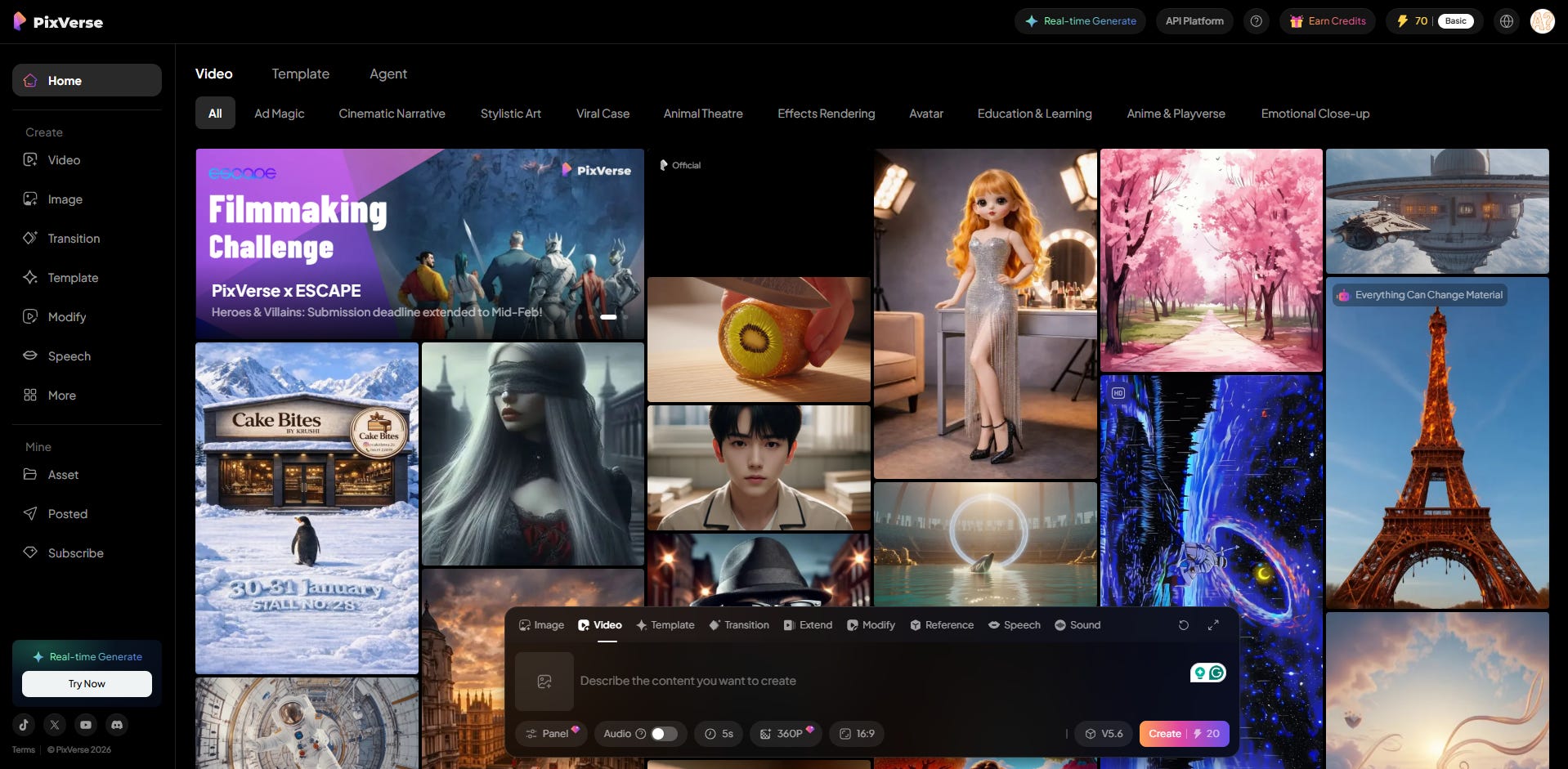
PixVerse has jumped from V4.5 to V5.6 since my last test and now also does native audio, so I’m curious to see how much of a difference that made.
Let’s give it a shot:

And the videos are in.
Steampunk violinist:
Not bad at all. The face and fingers are too static, but no glitches or obvious artifacts. The sound kind of fits, too, although that’s not part of the test.
Surreal locomotive:
Oh, I like this one a lot!
Not only is the video clip excellent, the subtle locomotive sound effects are a nice touch.
⭐Daniel’s grade: 9.5 / 10
PixVerse at a glance:
Advanced features: Character-to-video, magic brush, camera controls, off-peak mode, multiple effects, styles, sound/speech, lip sync, and resolution selection (360p to 1080p).
Video duration: 1 to 10 seconds.
Free plan limitations: Limited daily credits (more can be purchased), max 540p resolution, no access to the credit-saving off-peak mode.
Where to try: pixverse.ai
15. Runway Gen-4 Turbo (Runway AI)
This entry is unchanged since my last update.
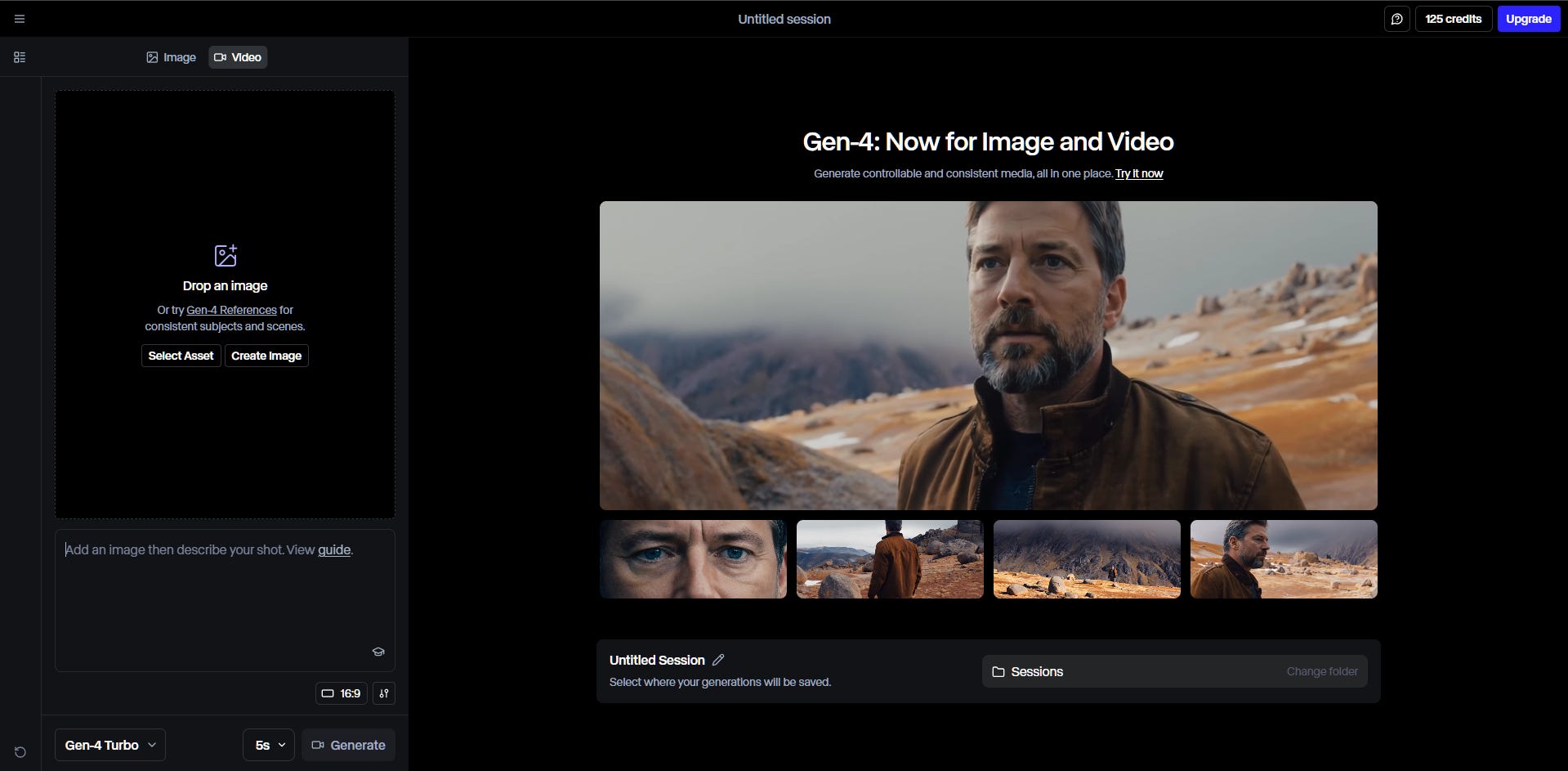
I first tested Runway back when it was Gen-2.
Last September, this post featured the Gen-3 Alpha Turbo version.
Last month, Runway released Gen-4 Turbo, available to free accounts.
Off we go:

Here are the videos.
Steampunk violinist:
On the face of it, there’s nothing wrong with this generation.
But the motion makes it feel like the robot is attempting to saw the violin in half rather than play music. And the entire clip feels like a broken record that’s skipping in place. But the fine movements and the video quality are great as always.
Surreal locomotive:
This is somehow worse than last year’s result from Runway Gen-3 Alpha Turbo.
The train disappears too quickly, the wheels don’t turn, and what is that ghost train that appears suddenly in the background?
Not too impressed, Runway. Especially since I rolled the dice three times on this generation while I had credits, and this was the best output.
⭐Daniel’s grade: 7 / 10
Runway at a glance:
Advanced features: Character and style reference, first frame input.
Video duration: 5 or 10 seconds.
Free plan limitations: One-off credits, watermark, no upscaling, 720p resolution.
Where to try: runwayml.com
16. Sora 2 (OpenAI)
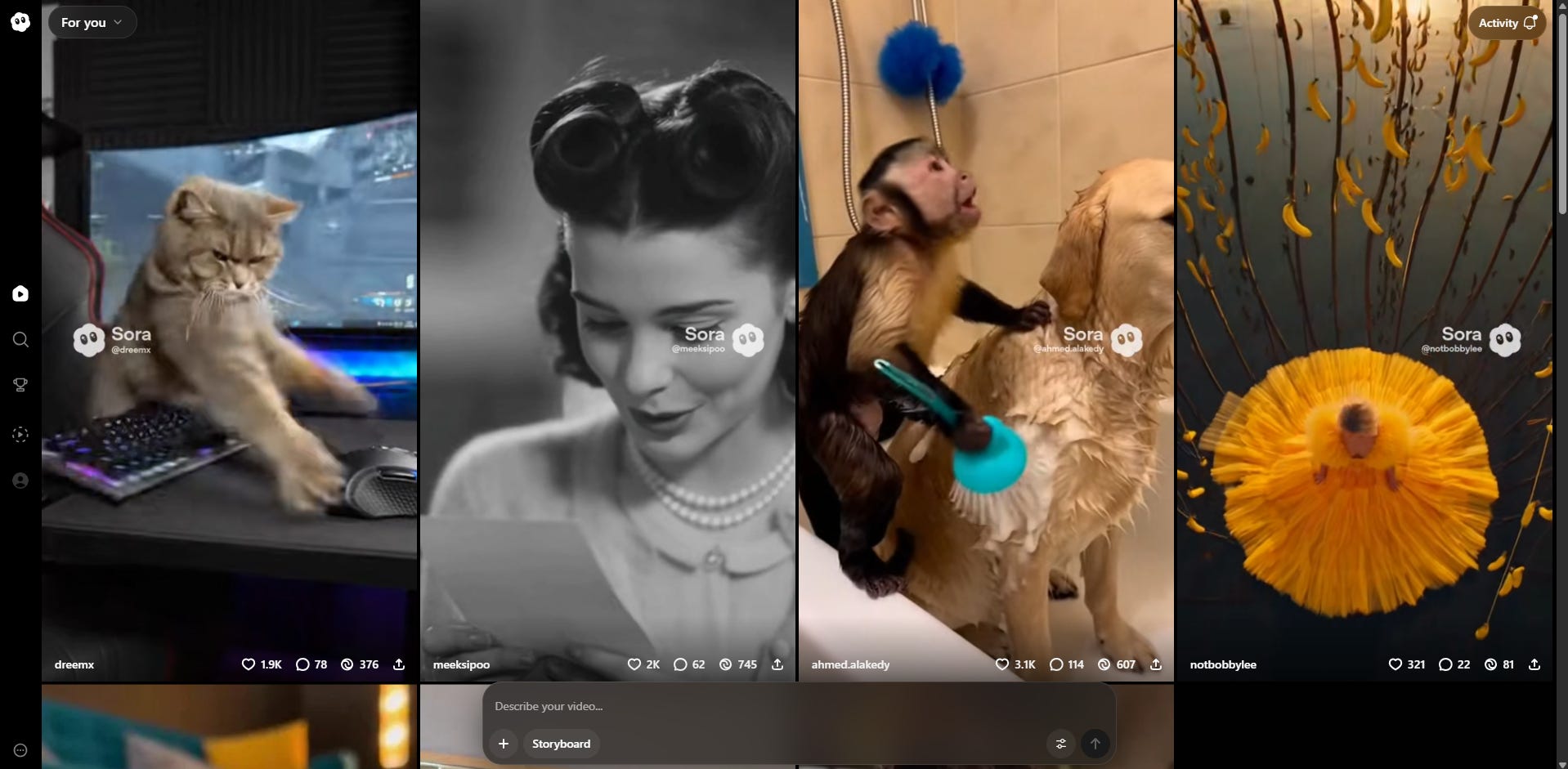
While I wasn’t a fan of Sora 2’s “social media app” play, I find it to be a robust model and wrote several articles about it late last year:
But can it hold its own in today’s test?
Steampunk violinist:
Whoa, lots of improvisation and jump cuts here. I don’t dislike it, but it’s certainly different from how I usually expect image-to-video first-frame tools to react.
Surreal locomotive:
Same here, Sora 2 doesn’t stick closely to the scene and invents an entire narrative around it. This is great if you want to roll the dice and see what happens, but not so good if you want any degree of precise control over your generations.
Also, the motion of wheels and steam is “stuck” in many of the scenes. You can attribute this to artistic choice, but I wish it were my choice rather than being at the whimsy of the model’s decision.
⭐Daniel’s grade: 7 / 10
Sora 2 at a glance:
Advanced features: Scene-by-scene storyboarding, aspect ratio selection.
Video duration: 10 or 15 seconds.
Free plan limitations: Limited amount of free daily generations.
Where to try: sora.chatgpt.com/
17. Stable Video Diffusion (Stability AI)
This entry is unchanged since my last update.

Fun fact: Stability AI’s Stable Diffusion (text-to-image model) is what got me to start this Substack in the first place.
But the company also has a largely under-the-radar video model called Stable Video Diffusion.
You can test it by signing up for a free trial of Stable Assistant, which is exactly what I did.
Steampunk violinist:
Oh.
This is quite possibly our worst result so far. A robot frozen in space and time like a statue with no motion to speak of. Disappointing.
Surreal locomotive:
Nah. Bad on all counts. The steam lives its own life, the wheels are static, and the overall quality is poor.
Our worst model up to this point.
⭐Daniel’s grade: 2 / 10
Stable Video Diffusion at a glance:
Advanced features: Style inspiration, adjust aspect ratio.
Video duration: 4 seconds.
Free plan limitations: Time-limited trial with one-off credits.
Where to try: stability.ai/stable-assistant
18. Veo 3.1 (Google)

Veo 2 was already “God tier” last year, so I have high hopes for this one.
Veo 3.1 came out in October 2025, featuring native audio, image-to-video, and tools that give you more creative control. I’m using Google’s Flow platform for these generations, which gives you daily free credits to try things out.
How will it handle our test?
Steampunk violinist:
Superb. The music has an off-key feel to it, but since I’m judging the visual aspects of video generation, I can’t find anything big to criticize at all (apart from the usual “I wish his face were more animated” wish).
Surreal locomotive:
Fantastic. Fluid motion, steam and wheels animated properly, and consistent changing scenery. No notes.
⭐Daniel’s grade: 9.5 / 10
Veo 3.1 at a glance:
Advanced features: “Ingredients" to video (mix multiple images as input), frames-to-video, scene builder, aspect ratio selection.
Video duration: 8 seconds
Free plan limitations: 50 free daily credits in Google Flow
Where to try: labs.google/fx/tools/flow
19. Vidu Q3 (Vidu AI)
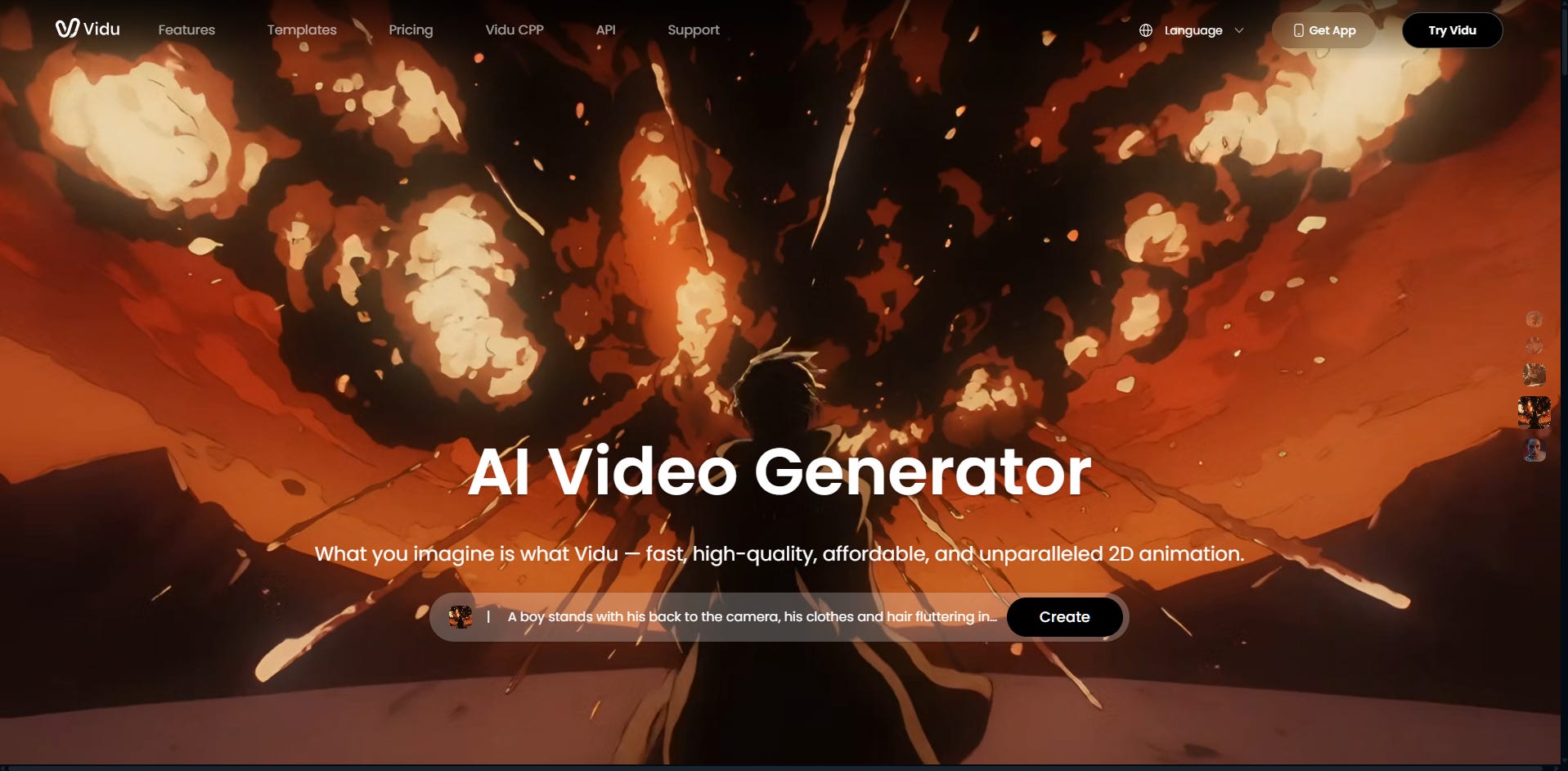
Vidu released a fresh model called Q3 this January, which also comes with native audio, so I’m eager to see how it fares.
Now let’s take a peek.
Steampunk violinist:
Oh.
I guess he decided to saw the violin in half instead of playing it. Good luck, robot. That bow is clearly not sharp enough.
Silliness aside, this isn’t a very convincing clip, and the motions are stilted and repetitive.
Surreal locomotive:
Noooo, traaaaain, waaaait! Why are you running away backwards, train? Is it something I said?
⭐Daniel’s grade: 6.5 / 10
Vidu at a glance:
Advanced features: Add up to two reference images, reference-to-video feature, cinematic/flash mode, resolution and encoding selection.
Video duration: 1 to 16 seconds.
Free plan limitations: 5 daily credits, max 10 seconds per clip, limited credits, no commercial use, only one concurrent task, low-priority generations.
Where to try: www.vidu.studio
20. Wan 2.6 (Alibaba)
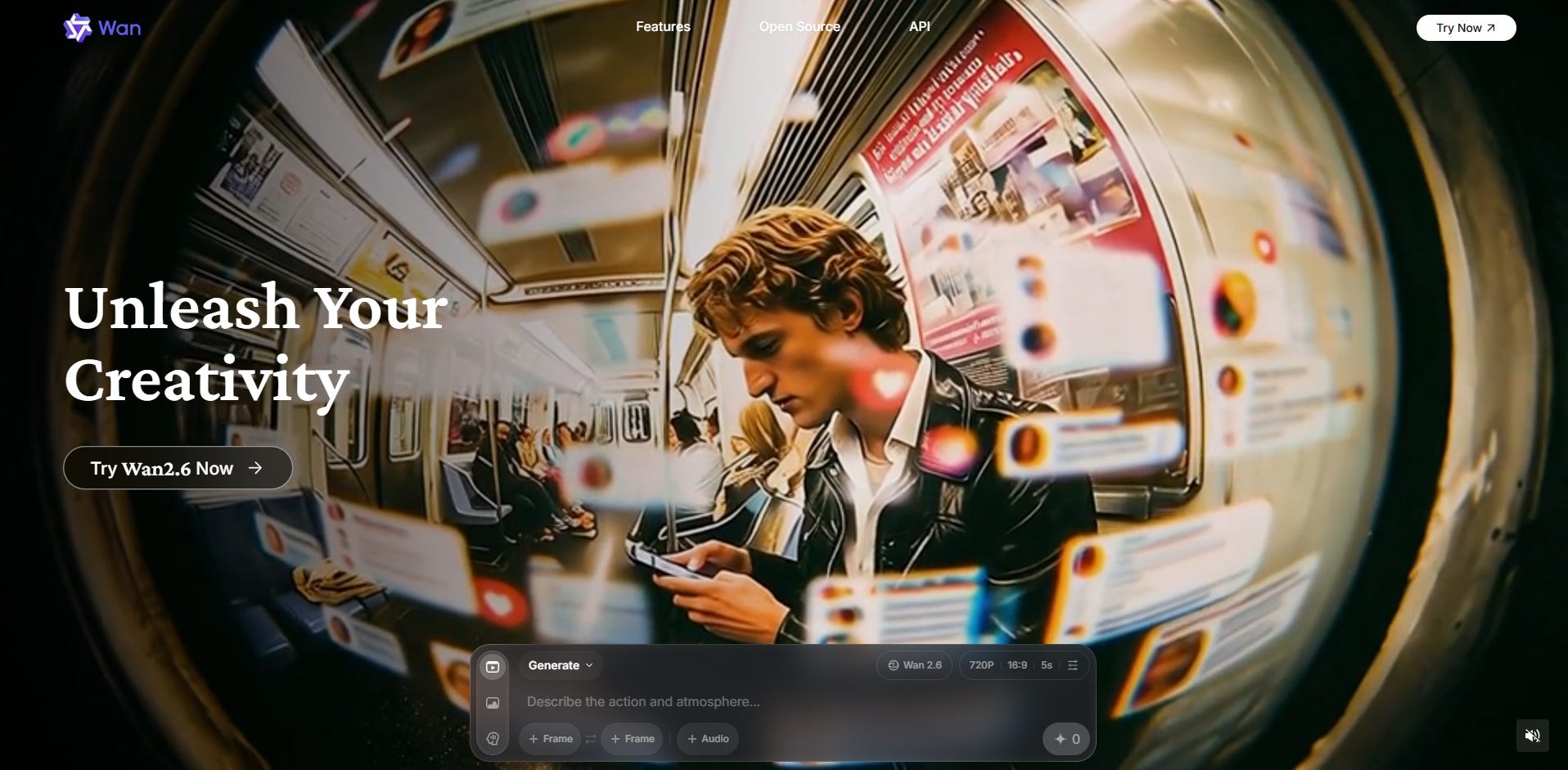
This is it, folks: Our final challenger.
Alibaba upgraded from Wan 2.1 to 2.6 since my last update, and like many other new models, Wan 2.6 natively creates its own sound effects.
Let’s put it to the test!
Steampunk violinist:
The Matrix-style electronic soundtrack is a brave choice for a violin performance, but the animation is fluid and believable, if not particularly inspired.
Surreal locomotive:
Apart from the static wheels, this is one of the better generations of today.
⭐Daniel’s grade: 8.5 / 10
Wan 2.6 at a glance:
Advanced features: Smart multi-shot feature, animated avatars, resolution and aspect ratio selections.
Video duration: 5 or 10 seconds.
Free plan limitations: 10 daily credits, no 1080p generations, only 5-second clips.
Where to try: create.wan.video
🏆 The verdict
First off, take my subjective grades with a big grain of salt.
After all, I’m basing my conclusions on just two starting images and simple text prompts. Some models may do better if you use their advanced features and add detailed descriptions of intended motion.
Also, the newest models are clearly converging in quality, so my steampunk robot and surreal train are becoming outdated benchmarks. For future comparisons, I will probably have to ramp up the difficulty and test more advanced choreography like dancing, fighting, and complex scenes with multiple characters.
Having said that, here are the tiers based on today’s test.
🌟God tier (rated 9+)
What a change! From only two to five models in this tier:
Grok Imagine 1.0 (9.5 out of 10)
Kling 2.6 (9.5 out of 10)
Luma Ray3.14 (9 out of 10)
PixVerse V5.6 (9.5 out of 10)
Veo 3.1 (9.5 out of 10)
I originally only added this tier to highlight how great Hailuo AI was compared to the rest of the field in late 2024.
Since then, five competitors have squeezed their way into this tier, and it’s becoming hard to distinguish between them based on these two tests.
Many of them now also offer native audio, which is a great bonus touch if that’s what you’re after.
🥇 Tier #1 (rated 8 to 9)
This is another crowded tier, which tells me that AI image-to-video models are generally converging around very good performance levels.
Here are the Tier #1 models:
Firefly Video (8 out of 10)
Higgsfield DoP I2V-01 (8.5 out of 10)
LTXV 13B (8 out of 10)
Pika 2.5 (8.5 out of 10)
Wan 2.6 (8.5 out of 10)
All of these are solid, typically with only minor flaws or inconsistencies dragging them down. I’m happy that Pika managed to redeem itself after consistently underperforming in my prior tests.
Give these a try with your video tasks and see what you think!
🥈 Tier #2 (rated 7 to 8)
Video models in this tier are just okay:
Hailuo 2.3 (7.5 out of 10)
HunyuanVideo-1.5 (7.5 out of 10)
Runway Gen-4 Turbo (7 out of 10)
Sora 2 (7 out of 10)
I’m surprised to see Runway Gen-4 Turbo here, but the “Turbo” model is a lower-quality version of Runway Gen-4 and is therefore not representative of its bigger cousin. If you’re willing to spend money on a video platform, I think Runway is still one of the best options.
Hailuo sadly slipped to this tier after first being God, then Tier #1 in my last test. Not sure if it’s just a fluke, but future tests will tell!
Sora kind of depends on what you’re after: It can imagine a whole new narrative on its own, but it’s hard to rein it in and get it to strictly stick to your starting frame.
🥉 Tier #3 (rated 5 to 7)
These image-to-video models are nothing to write home about:
Haiper AI (5 out of 10)
Meta AI (6.5 out of 10)
Vidu Q3 (6.5 out of 10)
They mostly end up with mediocre output and many quality issues.
👎 Tier #4 (rated below 5)
Here are today’s losers:
Genmo Mochi 1 (4 out of 10)
Morph (3 out of 10)
Stable Video Diffusion (2 out of 10)
I haven’t run any new tests on these models, and some of them are no longer accessible. Regardless, you should probably avoid these models if you want any degree of consistency.
🫵 Over to you…
What do you think of these tools and my verdict? Do you have any clear favorites? Have I overlooked any obvious free sites or models in my comparison?
If you’ve worked with any AI video tools and have tips to share, I’d love to hear from you.
Leave a comment or shoot me an email at whytryai@substack.com.
Read this next:
6 Free Article-To-Video Tools: Tested

“Content repurposing is the best thing since sliced bee’s knees!”
Thanks for reading!
If you enjoy my writing, here’s how you can help:
❤️Like this post if it resonates with you.
🔗Share it to help others discover this newsletter.
🗩 Comment below—I read and respond to all of them.
Why Try AI is a passion project, and I’m grateful to everyone who helps keep it going. If you’d like to support my work and unlock cool perks, consider a paid subscription:
I considered updating this intro from 2024, but I decided to keep it to highlight just how massive the jump in AI video capabilities really is.
What a fantastic review! Good stuff.
What a fantastic review!
It's surprising that some lesser-known tools outperformed big names like Pika Labs. Not sure image to video AI tools are ready to replace traditional animation yet, but these are getting pretty good.